
Smart Work Tools: The Ultimate Must-Have Guide for Success
In today’s fast-paced, technology-driven world, smart work tools have become essential for individuals and businesses striving to boost productivity, efficiency, and overall success. These tools leverage advanced technology and innovative features to simplify complex tasks, streamline workflows, and foster seamless collaboration. Whether you’re a remote worker, entrepreneur, or part of a larger organization, understanding and integrating smart work tools into your daily routine can be a game-changer.
In this ultimate guide, we will explore what smart work tools are, their benefits, and the must-have categories that can elevate your work performance and help you achieve your goals efficiently.
What Are Smart Work Tools?
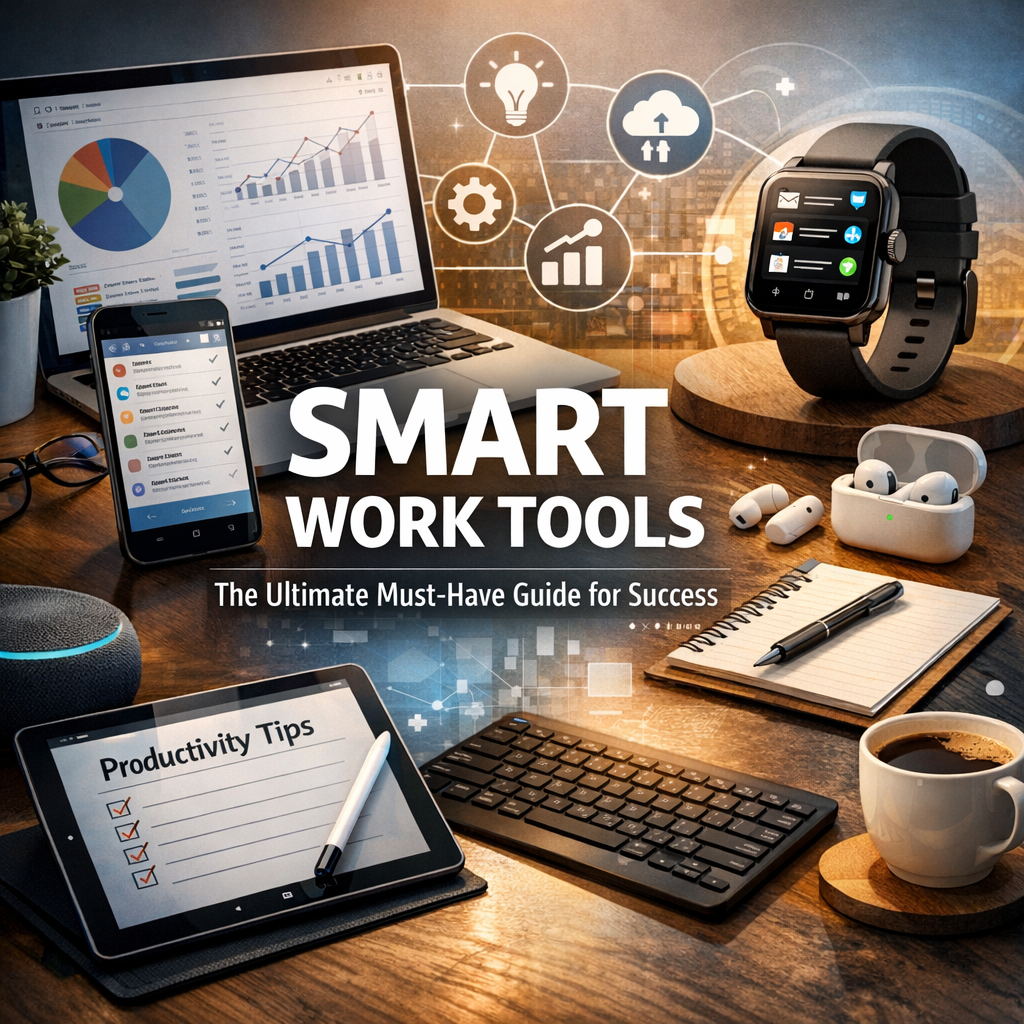
Smart work tools refer to software applications, devices, and platforms designed to optimize how people manage tasks, communicate, and collaborate. Unlike traditional tools, these incorporate intelligent features such as automation, artificial intelligence (AI), cloud integration, and real-time data analytics. The goal is to reduce manual effort, minimize errors, and provide actionable insights that enable smarter decision-making.
Why Smart Work Tools Are Essential for Success
Adopting smart work tools is no longer optional but necessary to keep up with changing work environments. Here’s why:
– Enhanced Productivity: Automation and smart scheduling reduce time spent on repetitive tasks.
– Improved Collaboration: Cloud-based platforms support seamless teamwork regardless of location.
– Better Organization: Centralized data and task management allow for greater control and focus.
– Informed Decisions: Real-time analytics and reporting keep you updated on project statuses.
– Flexibility: Many smart tools are accessible on multiple devices, enabling work on-the-go.
Key Categories of Smart Work Tools
1. Project Management Tools
Effective project management is the backbone of any successful work strategy. Tools like Trello, Asana, and Monday.com offer smart ways to organize projects by visualizing tasks through boards, timelines, or calendars. These platforms provide notification systems, task assignments, and progress tracking, ensuring deadlines are met and resources are optimally allocated.
2. Communication Platforms
Efficient communication is vital for team cohesion and productivity. Slack, Microsoft Teams, and Zoom are among the smart communication tools that facilitate instant messaging, video conferencing, and file sharing. Many offer integration with other tools, reducing the need to switch between apps and keeping conversations organized by channels or topics.
3. Automation Software
Automation tools such as Zapier and IFTTT connect different apps and automate workflows without the need for coding. For instance, you can set up workflows to automatically back up files, send follow-up emails, or update CRM records. This eliminates tedious manual work and allows employees to focus on more strategic activities.
4. Cloud Storage Solutions
Cloud storage services like Google Drive, Dropbox, and OneDrive enable secure and instant access to documents anytime, anywhere. Smart features such as real-time collaboration, version control, and file sharing make managing documents much more efficient.
5. Time Management and Scheduling Tools
Managing time effectively is crucial for meeting targets and maintaining work-life balance. Tools like Toggl, RescueTime, and Calendly use smart tracking and scheduling capabilities to monitor how time is spent and automate appointment bookings, leading to better time utilization.
How to Choose the Right Smart Work Tools
With so many options available, selecting the right smart work tools can be overwhelming. Here are some factors to consider:
– Identify Your Needs: Analyze your workflow and determine which processes consume the most time or cause friction.
– Ease of Use: Choose tools with intuitive interfaces that your team can quickly adopt.
– Integration Capabilities: Opt for tools that can seamlessly connect with your existing software.
– Cost Efficiency: Evaluate pricing plans and weigh them against the potential productivity gains.
– Customer Support: Reliable support ensures that you can resolve issues swiftly and avoid downtime.
Best Practices for Implementing Smart Work Tools
– Start Small: Gradually introduce tools to avoid overwhelming your team.
– Train Your Team: Invest in training sessions to maximize tool adoption and minimize resistance.
– Monitor Usage: Track how effectively the tools are being used and gather feedback.
– Stay Updated: Keep an eye on new features and upgrades that can further improve efficiency.
– Customize Workflows: Tailor tools to fit your unique processes rather than forcing processes to fit tools.
Future Trends in Smart Work Tools
As technology evolves, smart work tools are poised to become even smarter. Trends such as AI-powered assistants, augmented reality (AR) for virtual collaboration, and deeper automation will redefine how work gets done. Staying informed about these advancements can give you a competitive edge and help maintain sustained success.
Conclusion
Smart work tools are no longer luxuries but necessities in modern professional environments. They empower individuals and organizations to work smarter, not harder, by automating mundane tasks, fostering collaboration, and providing vital insights for better decision-making. By carefully selecting and implementing these tools, you position yourself and your business on the path to greater productivity, efficiency, and success. Embrace the power of smart work tools today and watch how they transform your approach to work.