
Document Collaboration Tools: The Ultimate Guide to Best Must-Have Solutions
In today’s fast-paced digital world, document collaboration tools have become essential for teams and organizations aiming to work efficiently across different locations and time zones. Whether you’re a small startup or a large enterprise, the ability to create, edit, share, and manage documents seamlessly is critical for productivity and innovation. This guide explores what document collaboration tools are, why they matter, and covers the best must-have solutions available in the market to empower your team’s workflow.
What Are Document Collaboration Tools?
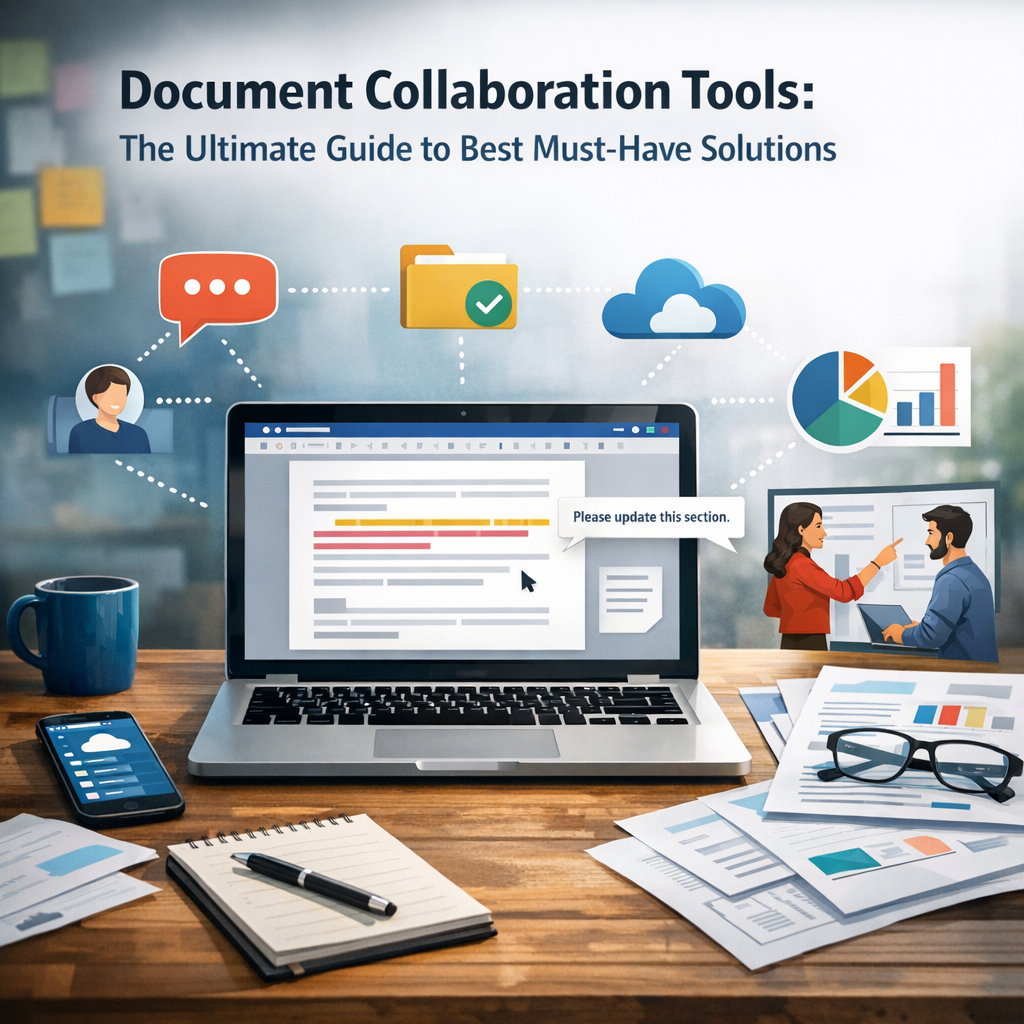
Document collaboration tools are software applications designed to allow multiple users to work on the same document simultaneously or asynchronously. They provide features such as real-time editing, version control, commenting, and sharing capabilities, allowing teams to streamline communication and reduce the chaos of email chains and multiple file versions.
These tools eliminate the need for back-and-forth exchanges of documents, ensuring everyone remains on the same page with the latest updates. This capability is especially important in the era of remote work and distributed teams, where synchronous face-to-face communication is often limited.
Why You Need Document Collaboration Tools
The benefits of integrating robust document collaboration tools into your workflow include:
– Enhanced Productivity: By enabling real-time edits and instant feedback, teams can reduce the turnaround time on projects.
– Improved Accuracy: Version control prevents overwrites and loss of information, minimizing errors.
– Better Communication: Embedded commenting and chat features facilitate clearer discussions directly within the document.
– Accessibility: Cloud-based collaboration means documents are available anywhere, anytime—not tied to a single device.
– Security: Most modern tools offer encryption and permission management to ensure sensitive information remains protected.
Understanding these advantages clarifies why businesses from various sectors are rapidly adopting collaboration software.
Key Features to Look for in Document Collaboration Tools
When choosing the right document collaboration software, consider the following features:
– Real-time Editing and Synchronization: Multiple users should be able to work simultaneously with instant updates visible.
– Version History and Control: Track changes and revert to earlier versions when necessary.
– User Permissions and Access Control: Define who can view, comment, or edit to maintain document integrity.
– Compatibility and Integration: The ability to work across various devices and integrate with other tools like project management systems or communication apps.
– Offline Access: Flexibility to work without an internet connection, syncing changes later.
Best Must-Have Document Collaboration Tools in 2024
1. Google Workspace (Docs, Sheets, Slides)
Google Workspace remains one of the most popular document collaboration platforms. Its intuitive interface combined with real-time editing and extensive sharing options makes it perfect for teams of all sizes. Plus, deep integration with other Google services such as Drive, Meet, and Calendar enhances overall productivity.
2. Microsoft 365 (Word, Excel, PowerPoint)
Microsoft 365 brings together traditional office productivity with cloud collaboration. Its online and desktop apps feature co-authoring abilities, comprehensive version history, and seamless integration with Microsoft Teams, making it ideal for enterprises already embedded in the Microsoft ecosystem.
3. Dropbox Paper
Dropbox Paper is an elegant solution for teams looking to blend document collaboration with task management. It supports rich media embedding, to-do lists, and commenting, along with real-time editing. Its simplicity and smooth integration with Dropbox storage make it a strong contender.
4. Notion
For teams needing more than just document editing, Notion combines note-taking, knowledge management, and collaboration in one platform. Its flexible page structures and database capabilities empower users to create customized workflows that include collaborative document editing.
5. Quip by Salesforce
Quip excels in merging documents, spreadsheets, and chat into one cohesive platform. It is particularly useful for sales and customer-facing teams as it integrates with Salesforce CRM, creating a centralized collaboration hub that facilitates communication and documentation.
Tips for Maximizing the Use of Document Collaboration Tools
– Set Clear Collaboration Guidelines: Define roles, editing rights, and protocols to avoid confusion.
– Leverage Comments and Suggestions: Use commenting features to provide feedback without altering the original text.
– Encourage Regular Updates: Ensure team members check and update documents frequently to keep information current.
– Train Your Team: Conduct sessions to familiarize members with the tool’s features, boosting adoption and efficiency.
– Keep Security in Mind: Use tools that comply with your industry’s security standards and educate users on best practices.
Final Thoughts
Document collaboration tools are no longer optional—they are a strategic necessity that drives team efficiency, enhances communication, and supports dynamic workflows. By adopting the right solutions tailored to your organization’s needs, you empower your team to innovate and deliver faster, regardless of location. Whether you choose Google Workspace for its simplicity, Microsoft 365 for its enterprise power, or niche platforms like Notion or Quip, integrating essential document collaboration tools is a step toward a more connected, productive future.
—
Embracing these tools will not only streamline your current projects but also lay a strong foundation for adaptable and scalable collaboration as your team grows and evolves.