
Remote Office Tools: The Ultimate Guide to Best Must-Have Solutions
In today’s fast-evolving work landscape, remote office tools have become essential for maintaining productivity, collaboration, and communication among geographically dispersed teams. Whether you’re a freelancer, part of a startup, or managing a large enterprise, having the right set of digital tools can make the difference between seamless workflows and frustrating bottlenecks. This ultimate guide explores the must-have remote office tools that can help you create an efficient and connected remote work environment.
Why Remote Office Tools Are Critical for Success
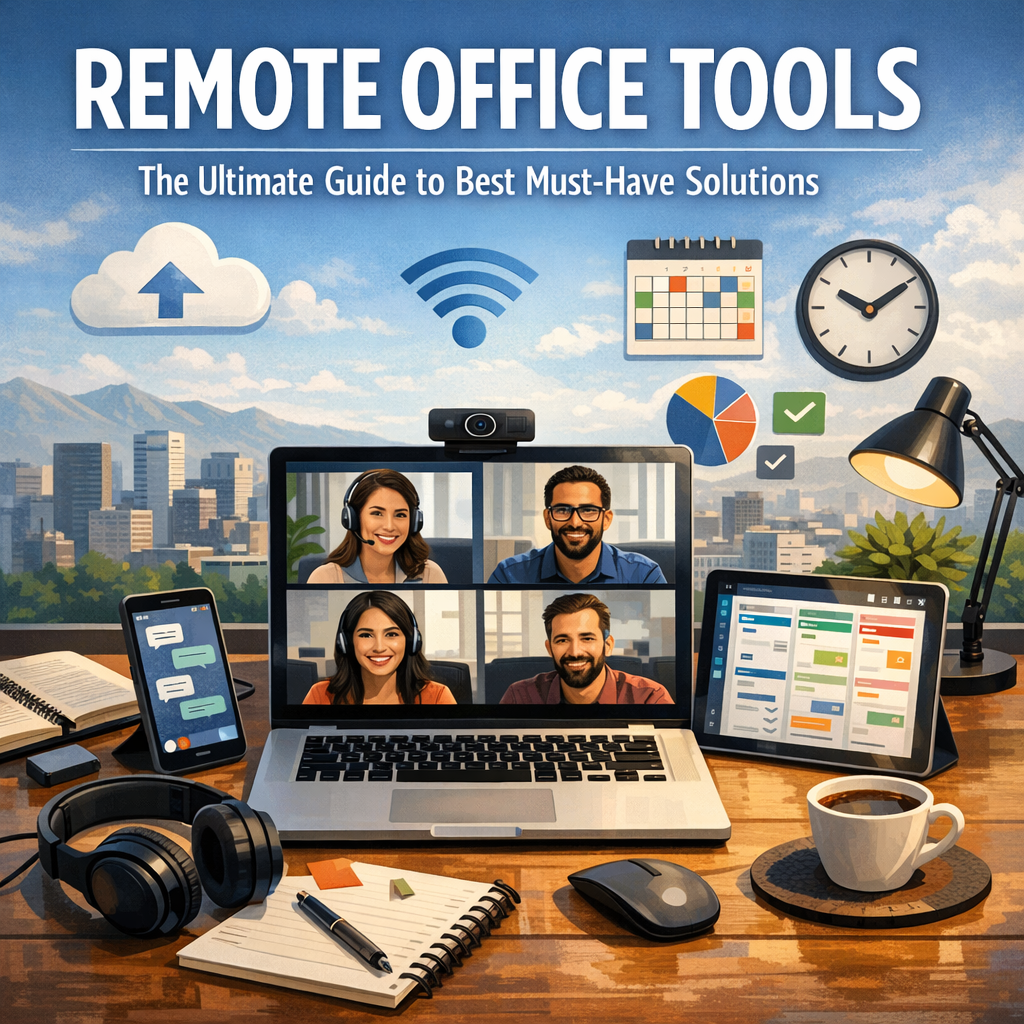
Remote work is no longer just a temporary trend; it’s a fundamental shift in how businesses operate. The transition to remote or hybrid work models brings unique challenges such as coordinating tasks across time zones, fostering team engagement without physical presence, and managing data securely. Remote office tools address these challenges by enabling collaboration, improving communication, and organizing work systematically.
Without them, teams risk miscommunication, missed deadlines, and lost productivity. Choosing the right tools tailored to your team’s needs is crucial in establishing a smooth remote work ecosystem.
Top Categories of Remote Office Tools You Need
To build a comprehensive remote office setup, understanding the different types of tools available and their purposes will help you make informed decisions. Here are the major categories:
1. Communication and Video Conferencing Tools
Smooth communication is the backbone of any remote team. Tools like Zoom, Microsoft Teams, and Google Meet allow real-time video chats essential for meetings, brainstorming, and social interaction. They often come with screen sharing, recording, and chat features to facilitate richer communication.
Key Features to Look For:
– High-quality video and audio
– Breakout rooms for smaller group discussions
– Integration with calendars and other apps
– Cross-platform compatibility (desktop, mobile, web)
2. Project Management and Collaboration Platforms
Keeping track of tasks, deadlines, and responsibilities is challenging with remote work. Project management tools such as Asana, Trello, Monday.com, and Jira help teams organize work through boards, lists, or timelines. Collaboration features like commenting, file sharing, and status tracking promote transparency.
Benefits:
– Clear task delegation and visibility
– Milestone and deadline tracking
– Integration with communication apps
– Customizable workflows for different projects
3. Cloud Storage and File Sharing Solutions
Remote teams need a centralized, secure place to store and share documents. Tools like Google Drive, Dropbox, and OneDrive provide cloud storage with real-time file editing and access control. These platforms ensure everyone works on the latest version of documents, reducing confusion.
Advantages:
– Access files anytime, anywhere
– Version history and backup
– Permission management for privacy and security
– Collaboration without email attachments
4. Time Management and Productivity Tracking Tools
Staying productive when working remotely requires discipline and sometimes oversight. Tools like Toggl, RescueTime, and Clockify help monitor how time is spent and identify distractions or inefficiencies. For managers, they provide insights into team productivity without micromanagement.
Use Cases:
– Employee time tracking for billing or reporting
– Personal productivity analysis
– Monitoring billable hours for freelancers
– Setting reminders and alarms to maintain focus
5. Secure VPN and Cybersecurity Solutions
Security risks rise when working outside a traditional office network. Remote office tools that enhance cybersecurity—VPNs (Virtual Private Networks), password managers like LastPass, and secure messaging apps—should be integral to your remote setup. These tools protect sensitive company data and ensure safe online communications.
Essential Elements:
– Data encryption and safe internet access
– Secure password storage and sharing
– Multi-factor authentication (MFA)
– Protection against malware and phishing
How to Choose the Right Remote Office Tools
While the range of options is vast, finding the best tools for your remote team depends on your specific circumstances:
– Assess Team Needs: Consider your team size, the complexity of projects, and communication preferences.
– Integration Capabilities: Ensure tools work well together to avoid silos and duplicated efforts.
– Ease of Use: User-friendly interfaces matter, especially for less tech-savvy employees.
– Scalability: Choose tools that can grow with your team and business.
– Budget: Balance features with cost-effectiveness, often starting with free or trial versions.
Best Practices for Maximizing Remote Office Tools
Having the right tools is only half the battle. To fully leverage your remote office solutions:
– Provide training and onboarding materials to help team members use tools effectively.
– Establish clear communication protocols and guidelines.
– Regularly evaluate tool usage and solicit feedback to optimize workflows.
– Encourage consistent usage to create habits and a unified team environment.
Looking Ahead: The Future of Remote Office Tools
The remote work revolution is driving innovation in software designed to connect and empower distributed teams. We can expect tools to become more AI-driven, offering enhanced automation, smarter scheduling, and better collaboration environments such as virtual reality meeting spaces. Staying current with emerging tools will keep your remote work system agile and competitive.
—
Remote office tools are not just conveniences—they are fundamental to thriving in a world where work transcends physical boundaries. By carefully selecting and implementing the right solutions, organizations and individuals can foster productivity, engagement, and security no matter where their office is located. Use this guide as a roadmap to equip your remote team with the best digital tools for today and tomorrow.