
Project Management Tools Guide: The Ultimate Must-Have for Success
In today’s fast-paced business environment, project management tools have become indispensable for teams striving to achieve their goals efficiently and effectively. Whether you are managing a small startup or a large-scale enterprise project, the right tools can make a significant difference in organizing tasks, enhancing collaboration, and keeping projects on track. This guide will explore what project management tools are, why they are essential, their different types, and how to select the best one to ensure your project’s success.
What Are Project Management Tools?
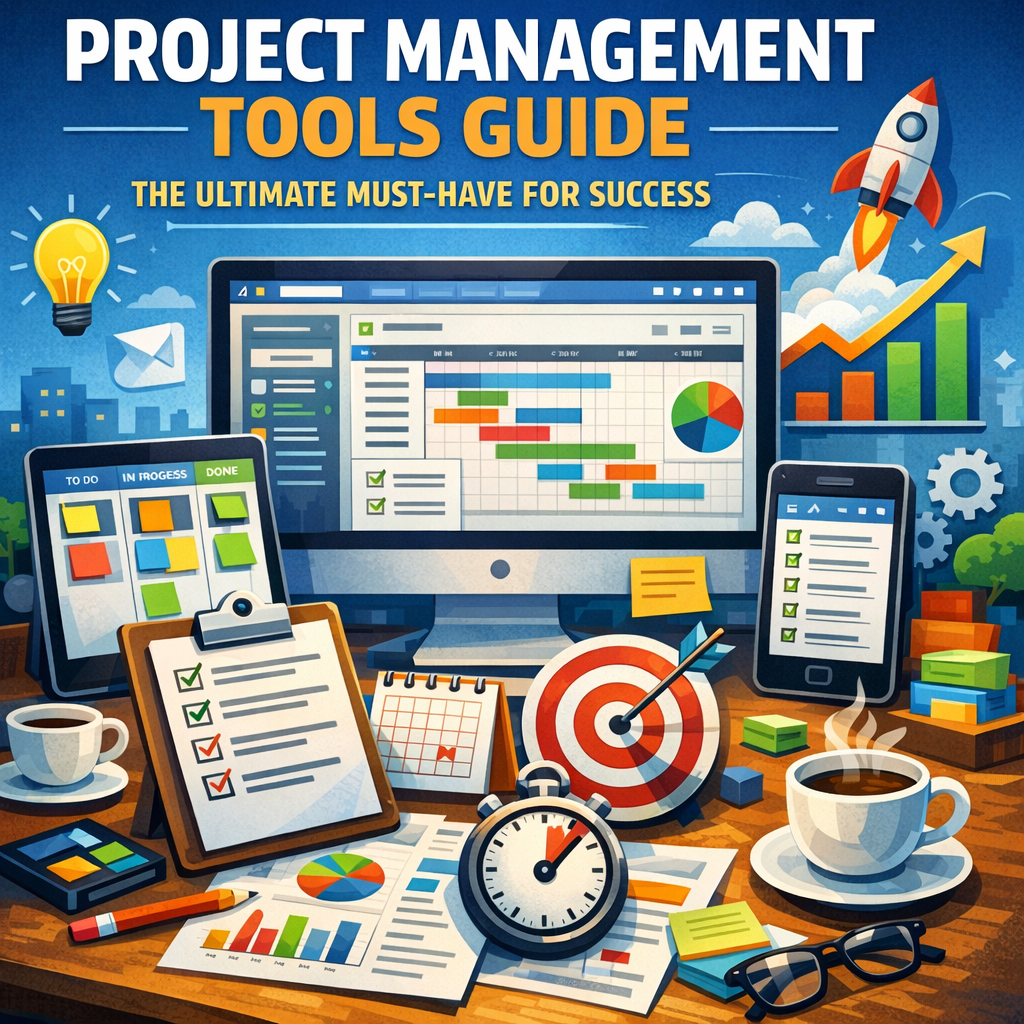
Project management tools are software applications or platforms designed to facilitate the planning, organization, tracking, and delivery of projects. These tools help project managers and team members coordinate work, communicate with stakeholders, allocate resources, and monitor progress. By centralizing all aspects of a project in one system, these tools streamline workflows and improve transparency.
Why Are Project Management Tools Essential?
Managing a project involves juggling multiple responsibilities—defining objectives, scheduling tasks, assigning roles, tracking deadlines, and ensuring quality deliverables. Without a structured system, teams may face miscommunication, missed deadlines, and wasted resources. Project management tools mitigate these risks by:
– Improving Communication: Most tools offer chat, comment features, and file sharing to keep everyone on the same page.
– Enhancing Collaboration: Team members can work together in real time, updating statuses, and contributing ideas.
– Optimizing Time Management: Automated reminders and timelines help prevent overlooked tasks.
– Facilitating Resource Allocation: Managers can assign tasks based on team member availability and expertise.
– Providing Transparency: Progress dashboards allow stakeholders to review project status instantly.
Types of Project Management Tools and Their Uses
Not all project management tools are created equal. Depending on your project’s nature and complexity, you might need different types of tools:
1. Task Management Tools
These focus on listing and tracking individual tasks. They are ideal for smaller projects or teams looking to maintain a simple, to-do list approach. Examples include Asana and Todoist.
2. Collaboration Platforms
Designed for teams to communicate and share information seamlessly, these tools integrate messaging, file-sharing, and task management. Slack combined with Trello is a popular combination.
3. Resource Management Software
These tools are valuable for projects with many moving parts and resource dependencies. They help managers allocate personnel, budget, and materials efficiently. Microsoft Project is a famous example.
4. Agile and Scrum Tools
If your project uses an Agile methodology, tools like Jira or Monday.com support sprint planning, backlogs, and velocity tracking.
5. Integrated Project Management Suites
Full-featured platforms like Wrike or Smartsheet offer end-to-end project management encompassing planning, collaboration, reporting, and analytics.
How to Choose the Right Project Management Tools
Selecting a project management tool can be overwhelming with numerous options available. Consider these factors to make an informed decision:
Define Your Project Needs
Analyze the size of your team, the complexity of your tasks, and the preferred project methodology. Small teams might prioritize simplicity, while larger organizations may require powerful workflow automation.
Ease of Use
Choose a tool with an intuitive interface and minimal learning curve. Adoption is key to reaping benefits.
Integration Capabilities
Ensure the tool integrates with your existing tools like email, calendars, CRM, and file storage.
Customization and Scalability
Look for solutions flexible enough to grow with your projects and adaptable to unique workflows.
Budget Considerations
Evaluate pricing plans, including free tiers, employee limits, and advanced feature costs.
Support and Training
Reliable customer support and access to training resources can drastically improve implementation success.
Tips for Maximizing the Benefits of Project Management Tools
Once you have chosen the right platform, maximize its potential by:
– Training Your Team: Encourage onboarding sessions to familiarize team members with the tool.
– Standardizing Processes: Create consistent formats for task descriptions, status updates, and documentation.
– Regularly Updating Data: Keep project details current to maintain clarity and accountability.
– Leveraging Reporting Features: Utilize analytics and dashboards to identify bottlenecks and improve workflows.
– Encouraging Collaboration: Use communication tools actively to foster teamwork and quick resolution of issues.
Conclusion
Incorporating the right project management tools into your workflow is no longer just an option—it’s a strategic necessity. These tools empower teams to deliver projects on time, within budget, and to high standards. By understanding your project’s unique requirements and carefully selecting suitable tools, you can dramatically enhance productivity, communication, and overall success. The ultimate key lies not just in adopting project management tools but in using them effectively to transform challenges into accomplishments. Embrace these technologies, and you’ll be well-equipped to navigate the complexities of modern project management with confidence.