
Task Management Software: The Ultimate Guide to Best Tools
In today’s fast-paced work environment, staying organized and productive is essential. Task management software has become a vital solution for individuals and teams aiming to streamline their workflows, prioritize responsibilities, and meet deadlines with ease. Whether you’re a solo freelancer juggling multiple projects or part of a large organization coordinating complex tasks, choosing the right task management software can dramatically improve efficiency and collaboration.
What is Task Management Software?
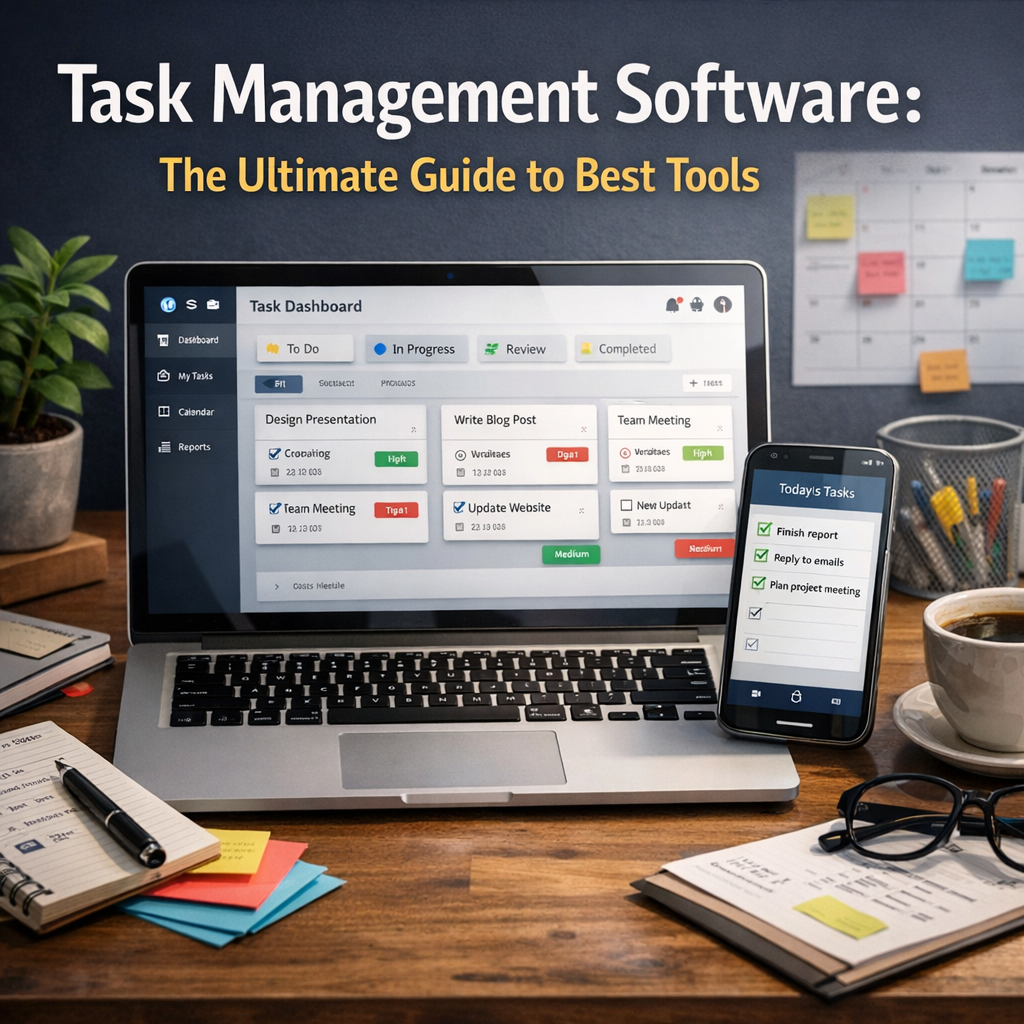
Task management software refers to digital tools designed to help users plan, track, and manage their daily activities, projects, and goals. These platforms provide a centralized space where you can create task lists, assign responsibilities, set deadlines, and monitor progress in real time. Unlike generic note-taking or calendar apps, task management software is tailored to facilitate structured workflows, enabling better prioritization and team communication.
Why Use Task Management Software?
Managing tasks manually or with basic tools often leads to confusion, missed deadlines, and reduced accountability. Task management software addresses these challenges by offering:
– Enhanced Organization: Keep all your to-dos, files, and communication in one place.
– Improved Collaboration: Share tasks, assign roles, and communicate seamlessly with team members.
– Time Management: Prioritize important tasks and set reminders to avoid procrastination.
– Progress Tracking: Visual dashboards show project statuses and individual workload.
– Increased Accountability: Transparent responsibilities reduce misunderstandings.
– Integration: Many tools connect with calendars, email, and other productivity apps.
Harnessing these advantages can transform how individuals and teams work, maximizing productivity and minimizing stress.
Key Features to Look for in Task Management Software
Choosing the best task management software requires a clear understanding of your needs. While features may differ across platforms, some core capabilities are critical:
1. Task Creation and Prioritization
The software should allow you to easily create tasks, add descriptions, set priorities, and categorize them by project or label.
2. Deadline and Reminder Settings
Automatic alerts for upcoming deadlines ensure nothing falls through the cracks.
3. Collaboration Tools
Look for options to assign tasks to team members, add comments, share files, and track changes.
4. Progress Visualization
Kanban boards, Gantt charts, and calendars can help visualize task statuses and timelines.
5. Integration with Other Apps
Seamless syncing with calendars, email clients, cloud storage, and communication tools reduces duplication of effort.
6. Mobile Accessibility
A robust mobile app enables task management on the go.
7. Reporting and Analytics
Insights into productivity metrics can aid in performance reviews and optimization.
Top Task Management Software Tools in 2024
With numerous options on the market, here are some of the best task management software tools currently available:
Trello
Trello uses an intuitive card and board system based on the Kanban methodology. It’s great for visual task tracking and supports integrations with apps like Slack and Google Drive. Its user-friendly interface makes it ideal for beginners and teams seeking flexibility.
Asana
Asana excels in project and task management with features like timelines, workload views, and task dependencies. It’s suitable for businesses of all sizes, offering powerful collaboration tools and integration capabilities.
ClickUp
ClickUp is an all-in-one platform that combines task management, document sharing, goal tracking, and time tracking. It’s highly customizable and supports multiple project views, making it a comprehensive solution for complex workflows.
Microsoft To Do
For users embedded in the Microsoft ecosystem, Microsoft To Do offers straightforward task lists with Outlook integration. It’s perfect for personal task management and small teams looking for simplicity.
Monday.com
Monday.com is a robust work operating system that provides customizable workflows, automation, and extensive analytics. It caters well to enterprise users managing large projects with diverse teams.
Todoist
Todoist is popular for its minimalist interface and powerful natural language input for quickly adding tasks. It supports syncing across devices and has features like labels and filters to organize complex task lists efficiently.
How to Choose the Right Task Management Software for You
Selecting the best tool depends on several factors:
– Size and Type of Team: Some platforms are better suited for small teams or individuals, while others are designed for enterprise-level coordination.
– Nature of Projects: Creative projects may benefit from visual boards, while industries with strict deadlines may need Gantt chart capabilities.
– Budget: Many software options offer free tiers but may charge for premium features.
– Ease of Use vs. Functionality: A steep learning curve can hinder adoption, so balance usability with feature needs.
– Integration Needs: Ensure the tool works well with your existing software ecosystem.
Try free trials and demo versions whenever possible to test functionality and user experience before committing.
Best Practices for Using Task Management Software Effectively
To maximize the benefits of task management software:
– Define Clear Goals: Establish what you want to achieve with task management to select the right settings.
– Regularly Update Tasks: Keep task statuses current to maintain accurate progress tracking.
– Encourage Team Adoption: Train everyone involved and promote consistent usage.
– Utilize Automation: Use built-in workflows and reminders to reduce manual work.
– Review and Reflect: Analyze reports to identify bottlenecks and adjust processes accordingly.
Conclusion
Task management software plays a crucial role in modern productivity strategies. By consolidating task organization, enhancing team communication, and providing real-time progress insights, these tools help professionals stay focused and on track. With a wide array of options available, understanding your specific needs and evaluating key features are essential to finding the perfect match. Whether you choose Trello’s visual approach or Asana’s comprehensive project management capabilities, integrating the right task management software can revolutionize how you work and deliver results more efficiently than ever before.