
Online Task Planner: The Must-Have Guide for Effortless Productivity
In today’s fast-paced world, staying organized and on top of your responsibilities is more important than ever. An online task planner has emerged as an invaluable tool for individuals and teams aiming to streamline their workflow, boost productivity, and reduce stress. Whether you’re managing personal errands, professional projects, or collaborative assignments, utilizing an online task planner can significantly transform how you plan and execute tasks.
What Is an Online Task Planner?
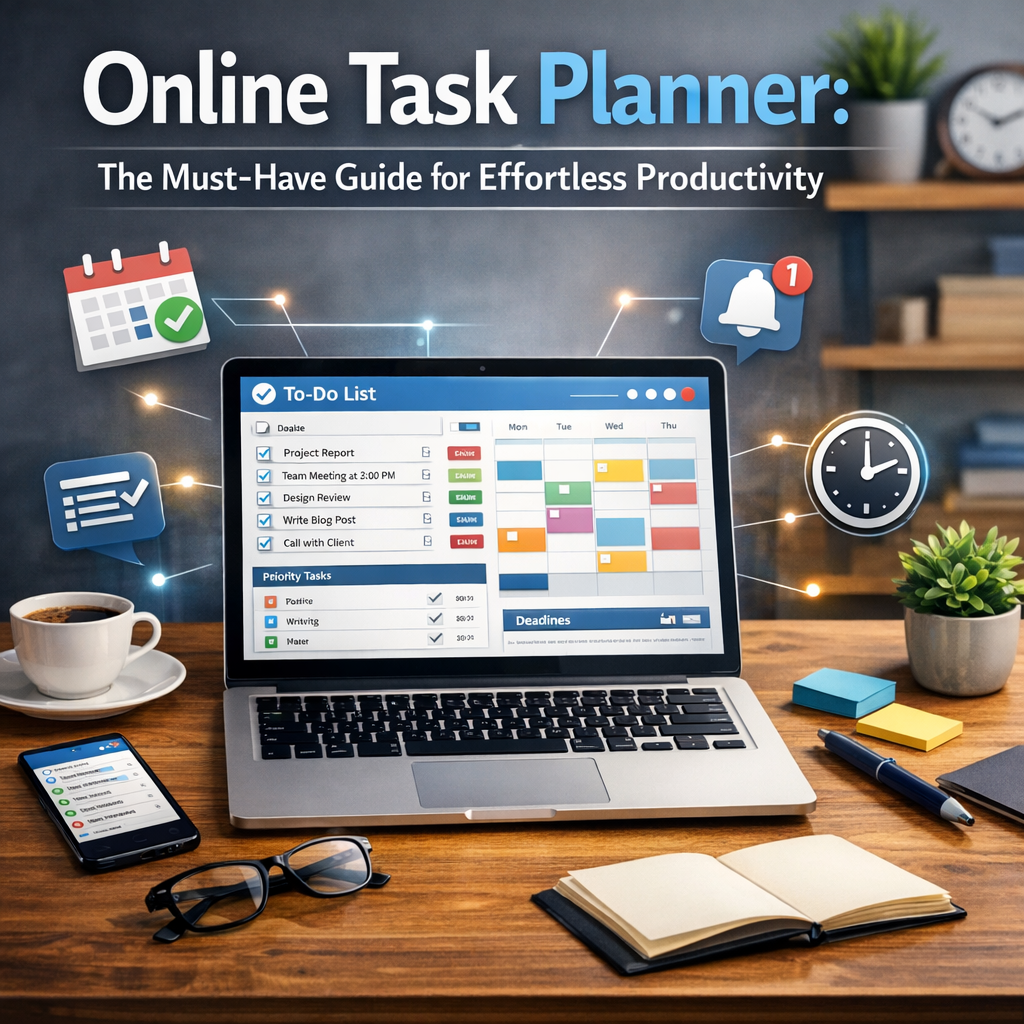
An online task planner is a digital platform designed to help users organize, prioritize, and track tasks through an accessible and often intuitive interface. Unlike traditional paper planners, these tools offer flexibility, real-time updates, and seamless integration with calendars, reminders, and communication applications. Accessible from any device connected to the internet, an online task planner ensures that your to-do list is always at your fingertips, enhancing your ability to stay focused and efficient.
Why Use an Online Task Planner?
The benefits of switching to an online task planner are numerous. Here are some core reasons why more people and organizations prefer digital task management solutions:
1. Centralized Organization
An online task planner allows you to keep everything—deadlines, notes, priorities, and subtasks—in one place. Instead of juggling sticky notes, emails, and separate notebooks, all essential details are consolidated for easy access.
2. Enhanced Collaboration
For teams, online planners enable collaborative work. Multiple users can view, edit, and comment on tasks in real time. This level of interaction improves communication and prevents mismanagement of shared projects.
3. Customizable and Scalable
Many online task planners come with features that can be tailored to fit your unique needs. Whether you prefer Kanban boards, lists, timelines, or calendars, these platforms adapt to various work styles and project sizes, from simple daily routines to complex organizational workflows.
4. Automatic Reminders and Notifications
Never miss a deadline again. Automatic reminders and push notifications keep you alerted about upcoming tasks and overdue activities, ensuring timely completion and accountability.
Key Features to Look for in an Online Task Planner
When choosing an online task planner, consider features that will genuinely enhance your productivity. Here are several must-haves:
– Intuitive User Interface: A clean and easy-to-navigate design makes task management stress-free.
– Task Prioritization: Options to mark tasks by importance or urgency help focus your efforts effectively.
– Recurring Tasks: Automate repetitive activities such as weekly reports or daily check-ins.
– Integration with Other Tools: Compatibility with calendars, email, communication apps, or cloud storage maximizes efficiency.
– Mobile Access: An app version or mobile-friendly site enables you to manage tasks on the go.
– Analytics and Progress Tracking: Visual reports and dashboards provide insights into your productivity trends.
How to Maximize Efficiency Using an Online Task Planner
To get the most from your online task planner, follow these best practices:
1. Set Clear Goals and Deadlines
Define the scope and timeline of each task before adding it to your planner. Clear deadlines create a sense of urgency and prevent procrastination.
2. Break Down Large Tasks
Divide projects into smaller, manageable subtasks. This technique not only makes overwhelming objectives more approachable but also gives you a sense of progression as you check off completed components.
3. Prioritize Wisely
Use priority flags or categories to differentiate tasks that require immediate attention from those that can wait. This focus helps prevent burnout by balancing urgent and low-pressure duties.
4. Schedule Regular Reviews
Dedicate time weekly or daily to review and update your task list. Adjust priorities, add new assignments, and archive completed ones to maintain a current and realistic plan.
5. Leverage Collaborative Features
In team environments, regularly communicate through the planner’s comment and notification functions. Clear, documented exchanges reduce misunderstandings and enhance coordination.
Popular Online Task Planner Tools Worth Exploring
There are several excellent online task planners available, each catering to different preferences and needs:
– Trello: Known for its visual Kanban boards, Trello offers flexibility and simplicity.
– Asana: Ideal for project management with robust collaboration and tracking features.
– Todoist: A powerful task list with intelligent prioritization and productivity reports.
– Microsoft To Do: Integrated with the Microsoft ecosystem, perfect for users of Outlook and Teams.
– ClickUp: Highly customizable with advanced features suitable for complex workflows.
The Future of Productivity: Why an Online Task Planner Is Essential
With remote work, flexible hours, and increasing demands in both professional and personal life, an online task planner is no longer just a convenience—it’s a necessity. By enabling organized, prioritized, and transparent task management, these tools empower users to work smarter, focus better, and achieve more without feeling overwhelmed. The integration of AI and automation in upcoming task planners promises even greater efficiency, making the future of productivity exciting and accessible.
—
Investing time in choosing and mastering an online task planner is one of the best moves you can make towards effortless productivity. Embrace this digital ally and transform your daily routines into organized, goal-driven achievements.