
Digital Task Manager Guide: The Must-Have Tool for Effortless Productivity
In today’s fast-paced world, staying organized and managing numerous tasks efficiently is essential for success. A digital task manager has become the go-to solution for professionals, students, and anyone looking to streamline their workflow and boost productivity. This guide delves into why a digital task manager is a must-have tool, how it works, and tips for getting the most out of it to make your daily routine effortless and productive.
What is a Digital Task Manager?
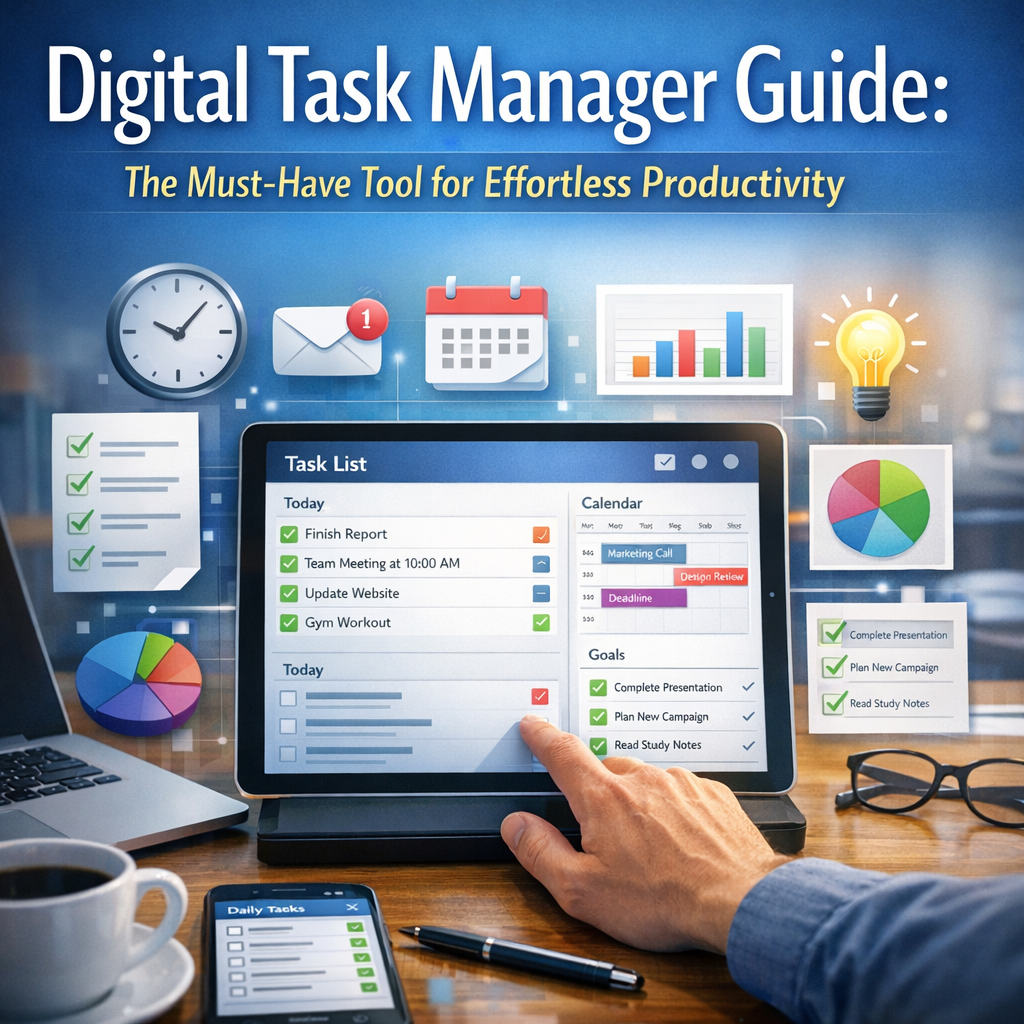
A digital task manager is an app or software platform designed to help users organize, prioritize, and track their tasks and projects electronically. Unlike traditional to-do lists or paper planners, digital task managers are typically feature-rich, offering functionalities such as deadline reminders, task categorization, collaboration tools, and integration with calendars or email platforms.
Many digital task managers are cloud-based, allowing seamless access and updates across multiple devices, whether it’s your smartphone, tablet, or computer. This convenience ensures that you always have your task list at your fingertips, encouraging consistent productivity wherever you are.
Key Benefits of Using a Digital Task Manager
1. Efficient Organization
One of the primary advantages of using a digital task manager is the ability to organize tasks efficiently. You can create multiple lists based on different projects, deadlines, or contexts, making it simple to sort and focus on what matters most. This hierarchical structuring helps prevent overwhelm and increases clarity.
2. Reminders and Notifications
A digital task manager often comes equipped with customizable reminders and notifications. These alerts ensure you never miss a deadline or important meeting and help build positive work habits by keeping you accountable.
3. Collaboration and Sharing
For teams and collaborative projects, many digital task managers enable task sharing and real-time updates. Collaborative features foster better communication and ensure everyone stays aligned, contributing to smoother project management.
4. Flexibility and Customization
Whether you prefer a minimalist checklist or a detailed project board with deadlines and progress tracking, digital task managers offer considerable flexibility. You can usually customize views (such as calendar view, Kanban boards, or priority lists) according to your workflow preferences.
How to Choose the Right Digital Task Manager
With an abundance of options on the market, selecting the ideal digital task manager can feel overwhelming. Here are key factors to consider:
– User Interface: Look for an intuitive and easy-to-navigate interface that fits your tech comfort level.
– Features: Prioritize the features that matter most to you, such as recurring tasks, subtasks, collaboration, or integrations with other apps.
– Platform Compatibility: Ensure the app works across your devices and operating systems.
– Price: Many digital task managers offer free versions, but premium features may require payment. Assess your needs against your budget.
– Security: If managing sensitive work or personal information, choose platforms with strong security protocols.
Popular digital task managers include Todoist, Trello, Asana, Microsoft To Do, and ClickUp. Each has unique strengths, making it worth trying a few before deciding.
Tips for Getting the Most Out of Your Digital Task Manager
Set Realistic Goals
Avoid overwhelming your task manager with an endless list of tasks. Focus on achievable daily or weekly goals to maintain motivation and avoid burnout.
Categorize and Prioritize
Divide tasks into categories such as “urgent,” “important,” or “low priority.” Many digital task managers allow color coding or tagging, which visually streamlines your to-do list and helps you tackle tasks effectively.
Schedule Regular Reviews
Make it a habit to review and update your task list at the beginning and end of each day. This practice ensures that you stay on track and adjust your plans as needed.
Use Recurring Tasks
For routine activities like daily emails or weekly reports, set up recurring tasks. This feature saves time and keeps you consistent.
Integrate with Other Tools
Leverage integrations with calendars, email, or note-taking apps. This saves you from switching between multiple platforms and centralizes your productivity toolkit.
Overcoming Common Challenges with a Digital Task Manager
While digital task managers are powerful, some users struggle with consistency or app overwhelm. To overcome these hurdles:
– Start simple by focusing on core features and gradually explore advanced functionalities.
– Set reminders not just for tasks but also to review your task manager itself.
– Don’t hesitate to experiment with different platforms to find the one that truly complements your workflow.
Conclusion
Adopting a digital task manager can transform how you manage your responsibilities, enabling effortless productivity and reducing stress. By choosing the right tool and integrating it into your daily habits, you gain greater control over your time and tasks, leading to improved focus and efficiency. Whether juggling professional projects, academic workloads, or personal goals, a digital task manager is undoubtedly the must-have companion for anyone aiming to optimize their productivity in an increasingly busy world.