
Work Planning Tools: The Ultimate Must-Have Guide for Success
In today’s fast-paced and highly competitive world, effective work planning is no longer an option but a necessity for success. Whether you’re managing a small team or juggling multiple projects, the right work planning tools can make all the difference. These tools streamline processes, enhance collaboration, and boost productivity, helping you meet deadlines and achieve your goals efficiently. This ultimate guide explores the must-have work planning tools that will empower you to stay organized and ahead of the curve.
Why Work Planning Tools Are Essential
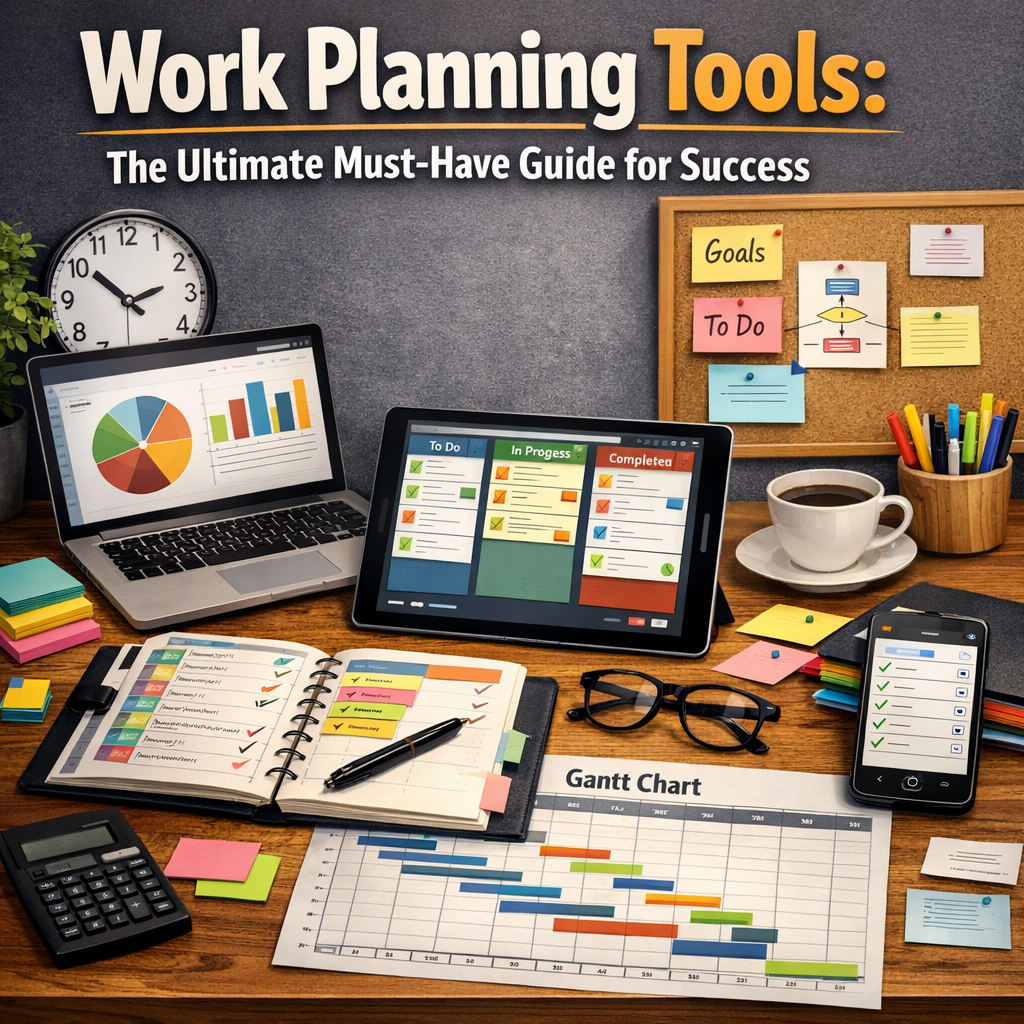
Work planning isn’t simply about creating to-do lists; it’s about strategically organizing resources, setting priorities, and aligning team efforts toward a common objective. With the complexity of modern tasks and the diverse nature of work, manually tracking progress or relying on outdated methods can lead to missed deadlines, miscommunication, and frustration.
Work planning tools help overcome these challenges by providing a centralized platform to manage tasks, allocate resources, and monitor progress in real-time. They provide visibility into every aspect of a project or work schedule, enabling managers to make informed decisions and teams to stay synchronized.
Types of Work Planning Tools and Their Benefits
To understand which tools suit your needs best, it helps to explore the various categories of work planning tools available on the market.
1. Project Management Software
Project management platforms like Asana, Trello, and Monday.com are among the most popular work planning tools in business today. These software solutions offer features such as task assignment, progress tracking, timelines, and visual boards.
Benefits:
– Centralizes all project-related information
– Enables real-time updates and collaboration
– Helps identify bottlenecks and adjust priorities quickly
2. Time Management and Scheduling Tools
Tools like Toggl, Clockify, and Google Calendar help you manage your time more effectively. Some work planning tools combine scheduling with analytics to provide insights into where time is spent, helping you improve productivity.
Benefits:
– Facilitates efficient time blocking and meeting scheduling
– Tracks time spent on individual tasks for better accountability
– Integrates with other planning tools to create a seamless workflow
3. Collaboration Platforms
Slack, Microsoft Teams, and Zoom are examples of collaboration platforms that complement project planning tools. Although not strictly work planning tools themselves, they play a critical role in communication, file sharing, and virtual collaboration.
Benefits:
– Enhances team communication and transparency
– Reduces email overload by providing focused discussion channels
– Integrates with project management and scheduling tools
4. Workflow Automation Tools
Automation platforms such as Zapier and Automate.io can link different apps and services, automating repetitive tasks such as reminders, status updates, and document sharing.
Benefits:
– Saves time by minimizing manual data entry
– Decreases human error and missed deadlines
– Allows customization to match specific team workflows
How to Choose the Right Work Planning Tools for Your Needs
With an overwhelming number of tools available, selecting the right work planning tools may seem daunting. Here are some key considerations to guide your choice:
Assess Your Workflow Complexity
Simple to-do lists might work for individuals or small tasks, but for larger teams and projects, you’ll need more robust solutions with task dependencies, milestones, and resource management capabilities.
Prioritize Integration
Ensure the tools you choose integrate smoothly with your existing software, including email, calendars, and communication apps. This integration avoids silos and allows for an efficient flow of information.
User-Friendliness
A steep learning curve can reduce adoption rates. Opt for intuitive tools with good onboarding support and clear interfaces to encourage consistent use.
Budget Constraints
Many work planning tools offer tiered pricing or free versions. Weigh the features you need against your budget, but avoid sacrificing essential functionality for cheaper options.
Tips for Maximizing the Benefits of Work Planning Tools
Owning the right tools is just the beginning. To truly harness their power:
– Set Clear Goals: Define what success looks like for each project and ensure everyone understands their role.
– Regularly Update Plans: Keep timelines, resources, and tasks updated to reflect real-time changes and challenges.
– Train Your Team: Invest time in training to maximize tool adoption and reveal underused features.
– Encourage Transparency: Use tools to foster open communication and accountability.
– Review and Adjust: Periodically analyze tool effectiveness and make adjustments as needed.
The Future of Work Planning Tools
Work planning tools continue to evolve, leveraging AI and machine learning to predict delays, recommend resource reallocation, and optimize schedules autonomously. Cloud-based solutions allow teams to collaborate seamlessly across time zones, and mobile apps ensure that project management is always at your fingertips.
Businesses that adopt and adapt to these modern work planning tools will gain a competitive advantage by boosting efficiency, reducing burnout, and enhancing overall team performance.
—
In conclusion, integrating the right work planning tools into your workflow is a strategic move that can significantly increase your chances of success. From project management and time tracking to collaboration and automation, these tools provide the structure and insight necessary to tackle today’s complex work demands. By carefully selecting and effectively using work planning tools, you can transform how you and your team work—turning plans into accomplished goals.