
Online Organization Tools: The Ultimate Must-Have Guide for Success
In today’s fast-paced digital world, online organization tools have become indispensable for individuals and businesses striving to enhance productivity and maintain order. Whether you’re managing projects, coordinating team efforts, or simply trying to keep your daily tasks on track, leveraging the right online organization tools can transform chaos into clarity. This guide will walk you through the essential features, popular options, and tips on how to maximize these tools for success.
What Are Online Organization Tools?
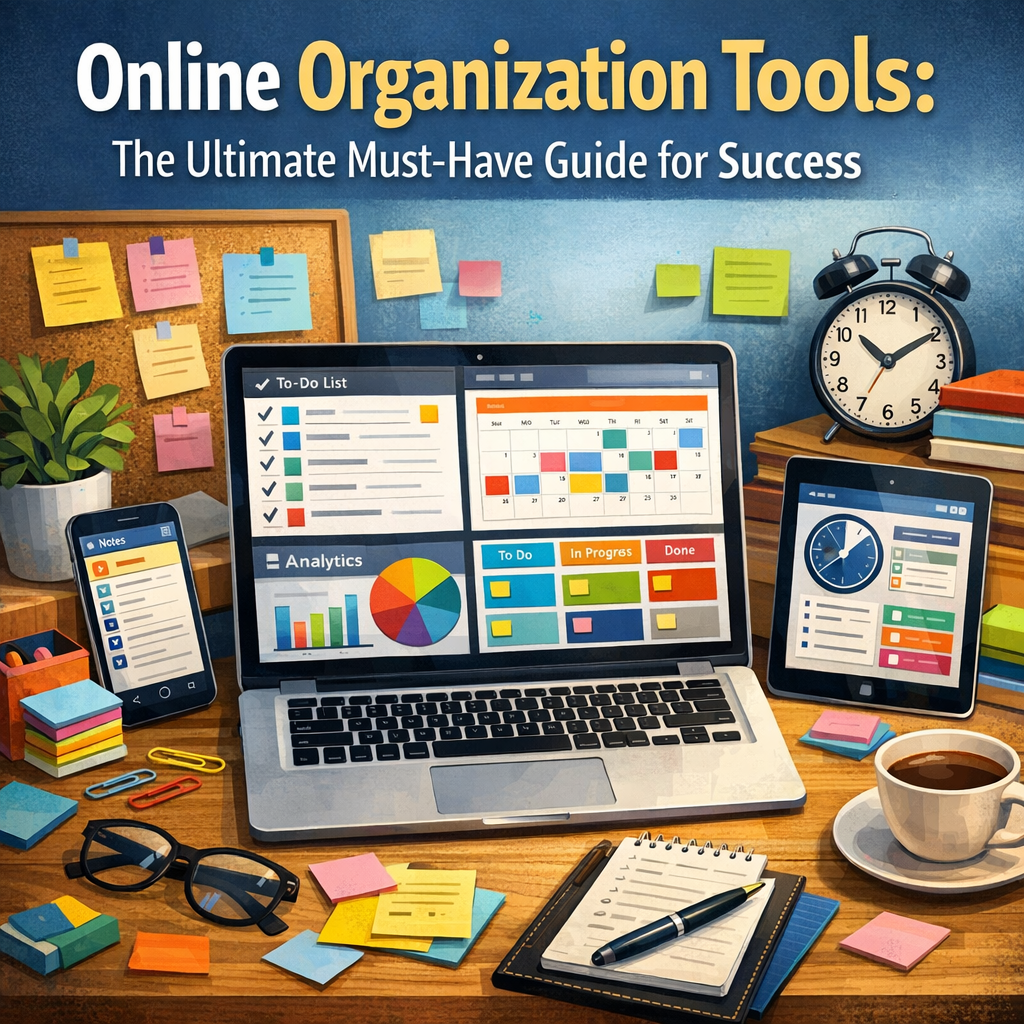
Online organization tools refer to software or web-based applications designed to help users organize, track, and manage various aspects of their personal and professional lives. These tools facilitate task management, scheduling, communication, file sharing, and collaboration—all in one streamlined platform accessible from anywhere with an internet connection.
With remote work and digital collaboration becoming the norm, these tools are more critical than ever before. They provide the structure needed to stay focused, meet deadlines, and work smarter, not harder.
Benefits of Using Online Organization Tools
Before diving into some of the best tools available, it’s important to understand why adopting these digital organizers can lead to improved success:
– Enhanced Productivity: Centralized task lists and project timelines prevent tasks from slipping through the cracks.
– Collaboration Made Easy: Real-time updates and shared workspaces allow teams to stay in sync, reducing miscommunications and duplicated efforts.
– Time Management: Calendar integrations and reminders keep important deadlines top of mind.
– Accessibility: Cloud-based tools mean that your information is available across devices, anytime and anywhere.
– Customization: Many tools let you tailor dashboards and workflows to fit your specific needs and preferences.
Popular Online Organization Tools to Explore
Here are some tried-and-true online organization tools that cater to different needs:
1. Trello – Visual Task Management
Trello uses a card and board system to help organize projects and tasks visually. It’s ideal for users who prefer a kanban-style approach to track workflow stages. Trello’s drag-and-drop interface, along with due dates, checklists, and attachments, makes it simple yet powerful.
2. Asana – Comprehensive Project Tracking
Asana is perfect for teams who require detailed task breakdowns and progress tracking. Its features include timelines, task dependencies, and integrations with communication tools like Slack and email, making task assignment and monitoring seamless.
3. Evernote – Digital Note-Taking
For those who need a virtual notebook, Evernote is an excellent resource. It allows users to capture notes, ideas, to-do lists, and even scan documents or images into searchable formats. It’s ideal for brainstorming, research, and organizing snippets of information.
4. Google Calendar – Scheduling Simplified
Google Calendar is a popular choice for managing appointments, reminders, and events. Its ability to integrate with Gmail and other Google services, plus its collaboration features to share calendars, keeps users organized on both personal and professional fronts.
5. Notion – All-in-One Workspace
Notion combines note-taking, databases, task management, and wikis into one customizable platform. It suits individuals and teams needing flexibility and the ability to create personalized workflows from scratch.
How to Choose the Right Online Organization Tools for You
Selecting the appropriate online organization tools depends on your unique requirements:
– Identify Your Needs: Are you managing solo projects, leading a team, or balancing both? Your focus areas will influence tool selection.
– Consider Integration: Tools that work seamlessly with your existing apps boost efficiency.
– Evaluate User Experience: Choose platforms with intuitive interfaces to reduce the learning curve.
– Test Free Versions: Most tools offer free tiers or trials—use these to explore features before committing.
– Scalability: Think long-term. Tools that can grow with your needs avoid unnecessary transitions later.
Tips for Getting the Most Out of Online Organization Tools
To truly benefit from these tools, the following strategies can enhance their impact:
– Stay Consistent: Regularly update tasks and deadlines to keep your workflow current.
– Set Priorities: Use priority labels or color codes to focus on what matters most.
– Leverage Notifications: Enable reminders and alerts, but customize them to avoid notification fatigue.
– Collaborate Effectively: Encourage teams to adopt and engage with the same tools for smoother interaction.
– Review and Adjust: Periodically assess how well your tools are serving your needs and make adjustments accordingly.
Conclusion
Online organization tools are no longer optional but essential resources that empower individuals and businesses to navigate complexity with confidence and clarity. By understanding what these tools offer, selecting those that best fit your style, and applying them thoughtfully, you can unlock new levels of productivity and success. Embrace organization in the digital age, and watch how streamlined workflows lead to greater achievements.