
Remote Office Tools: The Ultimate Guide to Affordable, Must-Have Solutions
In today’s increasingly digital world, remote office tools have become indispensable for professionals and businesses striving to maintain productivity outside the traditional workspace. As more organizations embrace flexible working models, equipping remote teams with the right tools is crucial for seamless communication, collaboration, and efficiency. This ultimate guide will explore cost-effective remote office tools that are not only essential but also budget-friendly, helping individuals and companies elevate their remote work experience without breaking the bank.
Why Remote Office Tools Matter
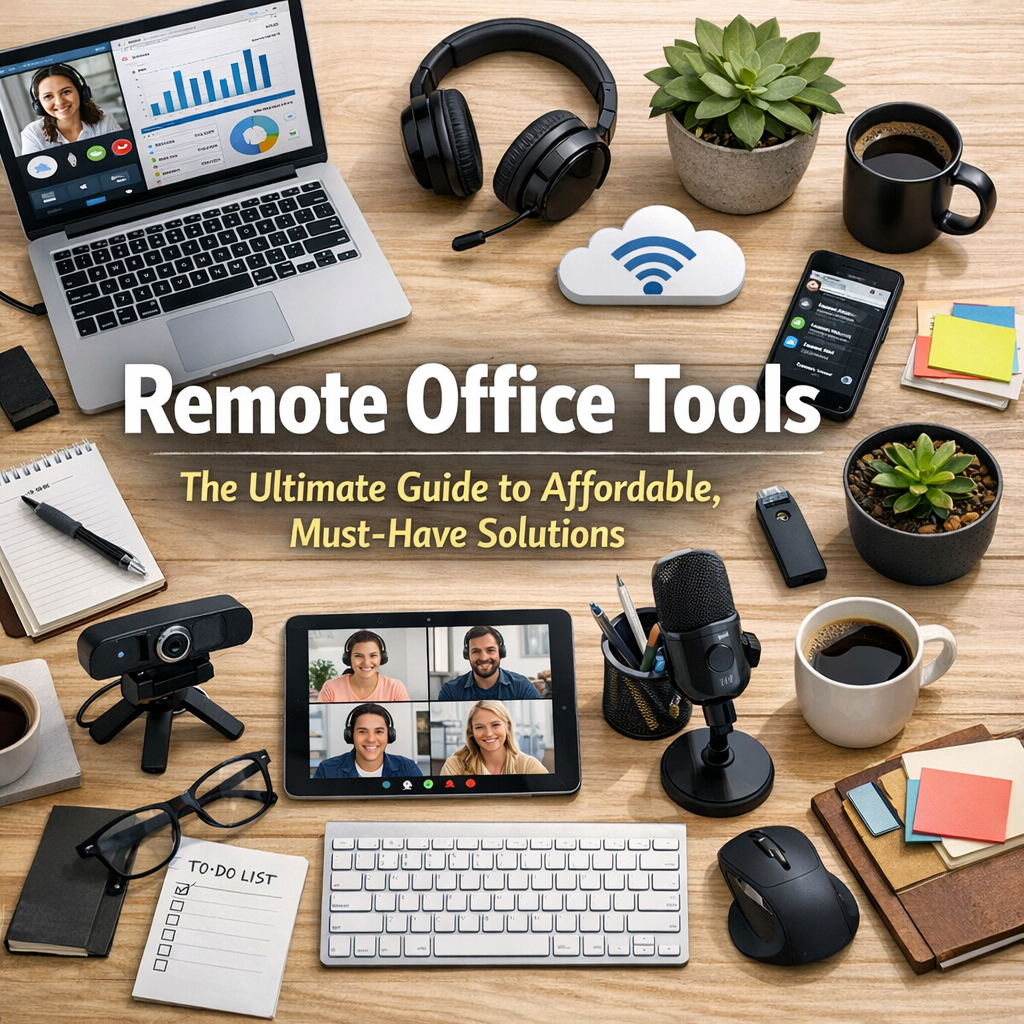
The shift to remote work has revealed both challenges and opportunities. While the freedom to work from anywhere is appealing, it demands a reliable set of tools to bridge the physical distance between employees, managers, and clients. Remote office tools facilitate tasks such as virtual meetings, project management, file sharing, and real-time collaboration—all vital to maintaining workflow continuity. Choosing the right instruments can reduce downtime, improve team morale, and enhance overall productivity.
Essential Categories of Remote Office Tools
Before diving into specific products, it’s important to understand the key categories of remote office tools that every remote workspace should include:
1. Communication Platforms
Clear, instant communication forms the backbone of remote work. Tools that support messaging, video calls, and conference calls enable teams to stay connected regardless of their location.
2. Project Management Software
Staying organized and on schedule is critical when team members are scattered. Project management tools help track deadlines, assign tasks, and monitor progress on multiple projects simultaneously.
3. Cloud Storage and File Sharing
Access to documents and files on demand is fundamental for effective collaboration. Cloud storage services allow teams to securely store, share, and edit files in real-time.
4. Time Tracking and Productivity Tools
Monitoring work hours and productivity levels ensures accountability and helps teams stay focused on their goals.
Affordable and Must-Have Remote Office Tools
Investing in high-quality remote office tools is an asset, but it doesn’t necessarily require a hefty budget. Here are some affordable solutions that offer robust features without compromising on performance.
Communication: Slack and Zoom
Slack is an intuitive messaging platform that organizes conversations into channels by topic, project, or department. Its free plan supports message archives up to 90 days and integrates with apps like Google Drive and Trello, making it a versatile choice for remote teams.
Zoom has become synonymous with virtual meetings. Its free tier allows unlimited one-on-one meetings and 40-minute group calls, making it ideal for casual check-ins and team discussions. For extended sessions, paid plans remain competitively priced.
Project Management: Trello and Asana
Trello uses a card and board system that visually organizes tasks. It’s highly user-friendly and suitable for small to medium teams. The basic free version includes unlimited boards and cards, plus integrations with other tools such as Slack.
Asana offers a more detailed project management experience with task dependencies, timelines, and customizable workflows. Its free plan supports up to 15 users, making it a great option for startups and growing teams.
Cloud Storage: Google Drive and Dropbox
Google Drive integrates seamlessly with the Google Workspace suite, providing 15 GB of free cloud storage and collaborative editing for documents, spreadsheets, and presentations. Additional storage is available at affordable rates.
Dropbox Basic offers 2 GB of free cloud storage, focusing on simple, reliable file sharing and synchronization across devices. Its user-friendly interface appeals to remote workers needing straightforward file management.
Time Tracking: Toggl Track and Clockify
Toggl Track is known for its simple time tracking and reporting capabilities. The free version provides unlimited tracking and projects, suitable for freelancers and remote teams interested in understanding how work hours are spent.
Clockify is a completely free time tracker that supports unlimited users and projects. It also offers features such as timesheets and reporting, making it an excellent tool for teams that require detailed tracking without financial commitment.
Tips for Choosing the Right Remote Office Tools
Selecting the best remote office tools depends on unique team needs and workflows. Here are some practical tips:
– Assess Your Workflow: Identify tasks that consume the most time or cause bottlenecks, then seek tools designed to optimize those areas.
– Prioritize Usability: Choose intuitive platforms that require minimal onboarding to encourage widespread adoption.
– Integrate Where Possible: Look for tools that seamlessly connect with your existing applications to streamline processes.
– Consider Scalability: Select tools that can grow with your team, avoiding the need to switch platforms frequently.
– Leverage Free Plans: Many tools offer robust free tiers; test these before committing to paid subscriptions.
Conclusion: Empower Your Remote Workforce Without Overspending
Remote office tools are more than just digital conveniences; they are the foundation of a thriving distributed workforce. By leveraging affordable options like Slack, Trello, Google Drive, and Toggl Track, businesses can build an efficient remote environment without excessive costs. The key lies in selecting tools that align with your team’s specific needs and foster collaboration, communication, and productivity. With the right setup, remote work can be as effective and engaging as traditional office environments, empowering teams to succeed from virtually anywhere.