
Remote Team Management Tools: The Ultimate Guide to Effortless Success
In today’s fast-paced digital world, businesses increasingly rely on virtual teams to drive productivity and innovation. Remote team management tools play a crucial role in ensuring these teams work seamlessly, no matter the distance. From communication to project tracking and collaboration, the right tools can transform challenges into opportunities, making remote work not just viable but highly effective. This ultimate guide will explore essential remote team management tools, their benefits, and how to leverage them for effortless success.
Why Remote Team Management Tools Are Essential
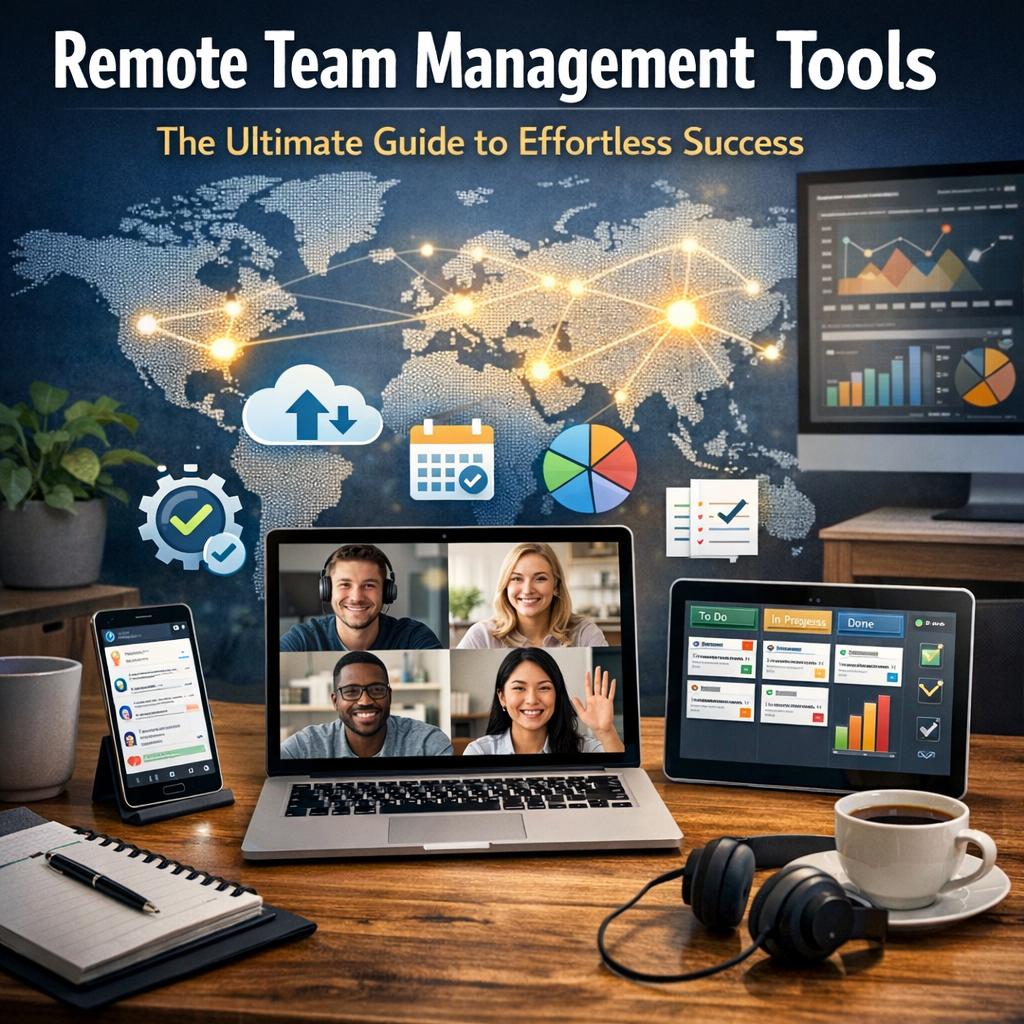
Managing a remote team requires overcoming challenges that don’t typically exist in traditional office environments. These include communication gaps, time zone differences, and difficulties in tracking progress. Remote team management tools provide the infrastructure to address these issues by maintaining a continuous flow of information and facilitating smooth collaboration.
These tools help managers keep everyone aligned with project goals, deadlines, and deliverables, while also fostering a culture of accountability and transparency. They streamline complex workflows, reduce misunderstandings, and ensure every remote employee feels connected and valued.
Key Benefits of Using Remote Team Management Tools
Investing in remote team management tools offers several tangible benefits:
– Improved Communication: With instant messaging, video calls, and discussion boards, teams can collaborate in real-time, mimicking in-person interactions.
– Enhanced Project Visibility: Tools designed to track progress and assign tasks provide full transparency on workloads, deadlines, and project milestones.
– Increased Productivity: Automating repetitive tasks and providing centralized resources help remote workers focus more on high-value activities.
– Better Collaboration: File sharing and co-editing features foster teamwork even when members are thousands of miles apart.
– Employee Engagement: These tools facilitate regular check-ins and feedback, helping build stronger relationships and reducing feelings of isolation.
Must-Have Remote Team Management Tools For Effortless Success
To effectively manage remote teams, companies must select tools that cater to different aspects of team dynamics. Here’s a breakdown of some essential categories and the top solutions in each.
Communication and Collaboration
Clear communication is the backbone of any successful remote team. Tools in this category enable instant messaging, video conferencing, and group discussions to keep everyone connected.
– Slack: Popular for its organized channels and integrations with various apps, Slack makes team conversations easy to follow.
– Microsoft Teams: Combining chat, video meetings, and file sharing, Teams is ideal for businesses already using Microsoft 365.
– Zoom: Widely used for its reliable video conferencing with features such as breakout rooms and recording.
Project Management and Task Tracking
Keeping track of tasks, deadlines, and responsibilities is critical for remote teams. These tools provide visual project boards and progress tracking:
– Trello: A user-friendly, card-based tool perfect for agile teams and simple project tracking.
– Asana: Offers customizable workflows and timeline views to manage complex projects efficiently.
– Monday.com: Known for its flexibility to suit different types of work processes and team sizes.
Time Management and Productivity
Understanding how time is spent helps managers identify productivity bottlenecks and supports work-life balance.
– Toggl: Simple time tracking with detailed reports helps monitor how long tasks take.
– RescueTime: Automatically tracks online activity, offering insights to boost focus and minimize distractions.
File Sharing and Document Collaboration
Effortless document collaboration allows remote employees to work simultaneously on files and ensures safe storage.
– Google Drive: Enables cloud storage and collaborative document editing with tools like Docs, Sheets, and Slides.
– Dropbox: Provides secure file sharing with synchronization across devices.
Employee Engagement and Feedback
Keeping remote employees engaged requires tools that facilitate recognition, feedback, and well-being monitoring.
– 15Five: Supports regular check-ins, goal tracking, and employee feedback to maintain motivation.
– Officevibe: Offers pulse surveys and analytics to gauge team morale and identify areas for improvement.
Best Practices When Using Remote Team Management Tools
Having the right tools is just the beginning. To maximize their potential, consider these best practices:
– Choose Tools Wisely: Avoid overloading your team with too many platforms. Select versatile tools that integrate well with each other.
– Provide Training: Make sure everyone understands how to use each tool efficiently to avoid resistance or misuse.
– Establish Clear Protocols: Define when and how specific tools should be used to prevent communication overload.
– Regularly Review and Adapt: Technology evolves fast. Periodically assess your toolbox to replace outdated or underused tools.
– Encourage Open Communication: Use these tools to foster a culture where remote employees feel comfortable sharing ideas and concerns.
Conclusion
Remote team management tools are indispensable in today’s distributed work environments. When chosen and used effectively, they enable managers and employees to overcome the geographical barriers of remote work, boost collaboration, and enhance overall productivity. By embracing the right combination of communication, project management, and engagement tools—and adhering to best practices—organizations can pave the way toward effortless success in managing their remote teams. Investing time and effort into these tools today ensures a stronger, more connected, and more agile workforce tomorrow.