
Workflow Automation Tools: The Ultimate Guide to Effortless Efficiency
In today’s fast-paced business environment, workflow automation tools have become essential for organizations aiming to streamline operations and boost productivity. These innovative solutions help automate repetitive tasks, reduce human error, and free up valuable time, allowing teams to focus on more strategic initiatives. Whether you’re a small business owner, project manager, or IT professional, understanding how workflow automation tools work and their benefits can transform the way you run your daily operations.
What Are Workflow Automation Tools?
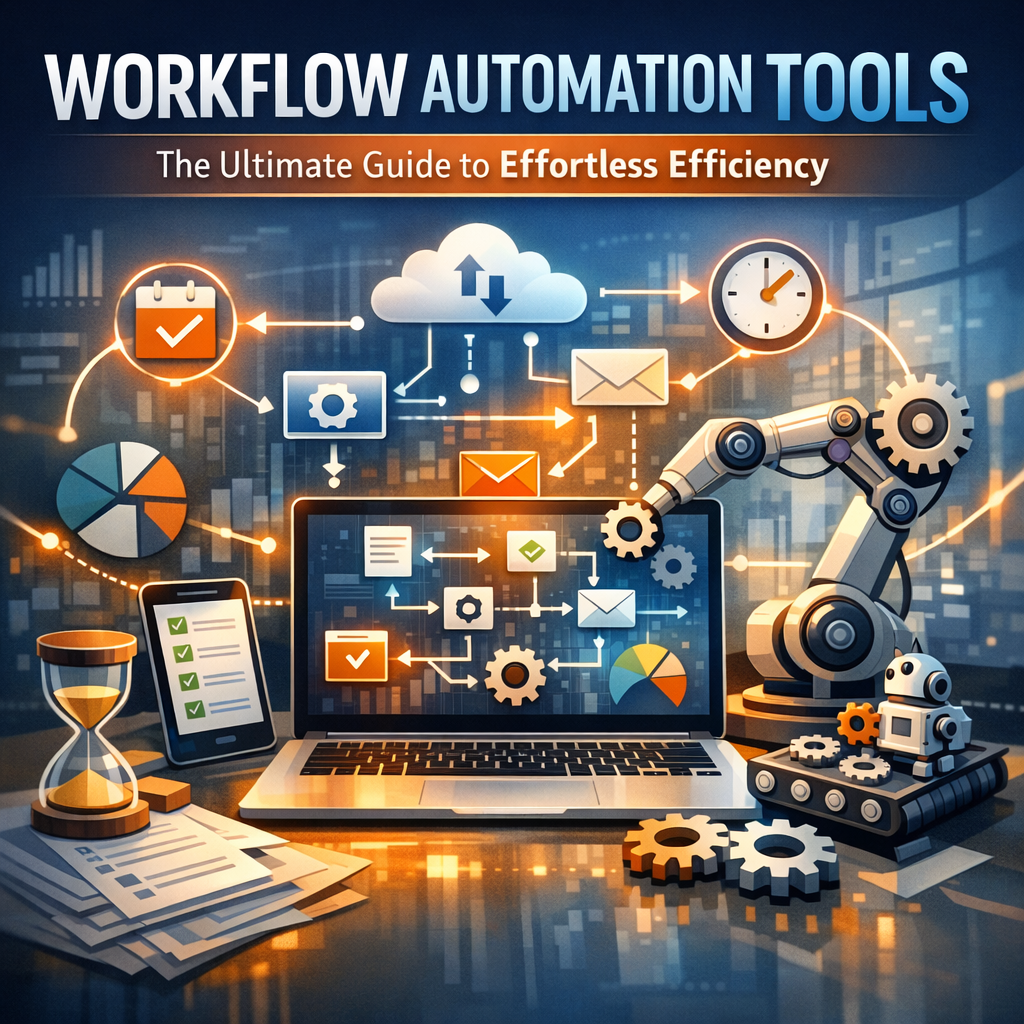
Workflow automation tools are software applications designed to automate repetitive business processes by creating a series of connected tasks or activities that run with minimal manual intervention. They can range from simple rule-based workflows—such as sending automatic email responses—to complex process management systems integrating multiple platforms and departments.
Typically, these tools utilize drag-and-drop interfaces, pre-built connectors, and customizable triggers to allow users without coding expertise to design workflows tailored to specific business needs. For example, when a new customer fills out a web form, an automation tool can automatically create a CRM entry, send a welcome email, and alert the sales team—all within seconds and without human involvement.
Why Your Business Needs Workflow Automation Tools
The adoption of workflow automation tools offers numerous advantages for businesses of all sizes. Here are some of the key benefits:
Increased Efficiency and Productivity
Manual tasks like data entry, invoice processing, or report generation consume time and increase the likelihood of errors. Automating these workflows reduces the time spent on routine activities, enabling employees to focus on tasks that require creativity and critical thinking.
Improved Accuracy and Consistency
Human errors in workflows can lead to costly mistakes. Automation ensures that every step is executed correctly and consistently, which improves compliance, customer satisfaction, and overall quality.
Enhanced Collaboration and Communication
Many workflow automation tools centralize communication by automatically triggering notifications and updates at each stage of a process. Team members remain informed about project statuses without needing to send multiple emails or hold unnecessary meetings.
Scalability and Flexibility
As businesses grow, their processes become more complex. Workflow automation tools allow organizations to scale operations effortlessly by handling larger volumes of work and adjusting workflows as needs evolve.
Top Features to Look for in Workflow Automation Tools
Before choosing a workflow automation tool, consider the following features to ensure it meets your operational requirements:
– User-Friendly Interface: The tool should offer an intuitive interface that allows users to create and modify workflows without needing technical skills.
– Integration Capabilities: The ability to connect with other software platforms, such as CRM systems, email marketing tools, cloud storage, and payment gateways, is crucial for seamless automation.
– Customizable Triggers and Actions: Your workflows must be able to respond to specific triggers and execute a customizable set of actions.
– Analytics and Reporting: Insightful metrics help you monitor workflow performance and identify areas for improvement.
– Security and Compliance: Ensure the tool complies with industry standards and protects sensitive data.
Popular Workflow Automation Tools in the Market
A variety of workflow automation tools cater to different industries and business needs. Here are some widely used platforms:
Zapier
Zapier is renowned for its extensive integrations with over 3,000 apps, making it an excellent choice for connecting diverse systems. It enables users to set up multi-step workflows, called “Zaps,” effortlessly.
Microsoft Power Automate
Part of the Microsoft Power Platform, this tool is ideal for enterprises that rely on Microsoft 365 products. It offers powerful automation options, including robotic process automation (RPA).
Trello with Butler
Trello users can leverage Butler, an embedded automation tool that helps automate card moves, checklist creation, and due date reminders within boards.
monday.com Automations
This platform combines project management with robust automation capabilities that trigger actions like status changes, notifications, and data moves, enhancing team collaboration.
Best Practices for Implementing Workflow Automation Tools
Transitioning to automated workflows requires thoughtful planning and strategy:
1. Map Your Existing Processes: Identify repetitive tasks suitable for automation and understand each step thoroughly.
2. Start Small: Begin with automating simple workflows to gain quick wins and build familiarity with the tool.
3. Involve Stakeholders: Engage team members who perform these tasks to gather insights and foster buy-in.
4. Test and Monitor: Continuously evaluate the automated workflows to ensure they function as intended and deliver value.
5. Iterate and Improve: Use analytics to refine workflows and expand automation to other processes.
The Future of Workflow Automation Tools
Advancements in artificial intelligence (AI), machine learning, and natural language processing are driving the next generation of workflow automation tools. These technologies will enable even smarter automation—anticipating needs, making predictive decisions, and providing personalized experiences. As businesses embrace digital transformation, workflow automation tools will remain a cornerstone of operational excellence and competitive advantage.
—
In conclusion, adopting workflow automation tools is no longer a luxury but a necessity in today’s dynamic business landscape. By automating routine tasks and improving process efficiency, these tools empower organizations to save time, reduce errors, and enhance overall productivity. With many user-friendly options available, businesses can tailor automation to their unique needs, paving the way for a smarter, more efficient future.