
Team Collaboration Tools: The Must-Have Guide for Best Results
In today’s fast-paced work environment, team collaboration tools have become essential to fostering productivity, communication, and seamless project management. Whether you work in a small startup, a large corporation, or a remote team scattered across the globe, the right tools can transform your workflow and help your team achieve outstanding results. This guide delves into the must-have features, popular options, and best practices for leveraging team collaboration tools to their fullest potential.
Why Team Collaboration Tools Matter
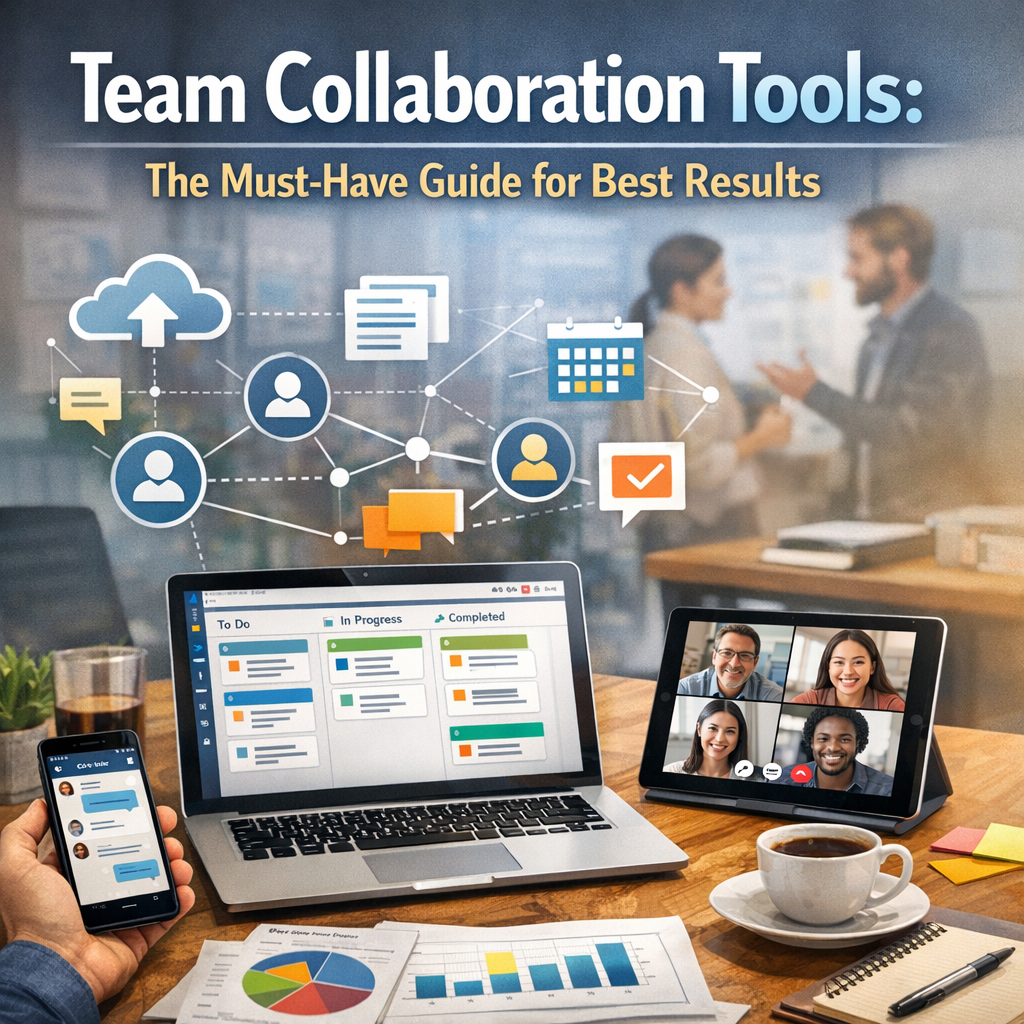
Gone are the days when teams could rely solely on emails and in-person meetings to coordinate their efforts. The modern workplace demands instant communication, real-time project tracking, and efficient file sharing. Team collaboration tools provide these capabilities, allowing employees to work together more effectively regardless of location or time zone.
These tools reduce misunderstandings, minimize the need for lengthy meetings, and foster a culture of transparency and accountability. They bring all the elements of a project—conversations, files, tasks, timelines—into one accessible digital space.
Key Features to Look for in Team Collaboration Tools
When choosing the right tools for your team, certain features are non-negotiable for delivering the best results:
Real-Time Communication
Instant messaging and chat functions are crucial for quick decision-making and casual check-ins. Tools with threaded conversations, group chats, and direct messages help keep discussions organized and relevant.
Task and Project Management
A robust task management system that allows assigning tasks, setting deadlines, and tracking progress ensures everyone knows their responsibilities and priorities. Visual tools such as Kanban boards or Gantt charts can boost transparency.
File Sharing and Collaboration
Seamless integration for file uploading, sharing, and collaborative editing helps reduce email clutter and keeps all documents centralized. Version control features are a bonus, preventing confusion from multiple file copies.
Integration Capabilities
The best team collaboration tools work well with other popular business apps you use daily—such as calendar apps, email platforms, or cloud storage solutions—streamlining workflows and reducing the need to switch between programs.
Security and Accessibility
Given the sensitive nature of business data, tools that offer strong encryption, user permission settings, and reliable uptime are essential. Accessibility across multiple devices, including mobile apps, ensures your team can stay connected anywhere.
Popular Team Collaboration Tools for Maximum Efficiency
There is a wide variety of tools available, each tailored to different team needs and sizes. Here are some of the most highly regarded options in the market today:
Slack
Known for its intuitive interface and powerful chat functionalities, Slack supports integrations with hundreds of apps. It lets teams create channels organized by projects, departments, or topics, making it easier to keep conversations focused.
Microsoft Teams
Particularly popular in enterprises already using Microsoft 365, Teams combines chat, video conferencing, and file sharing within one ecosystem. Deep integration with Microsoft Office apps is highly beneficial for document collaboration.
Asana
Asana excels as a task and project management tool, offering users flexibility to create workflows that fit their style. Its visual timelines and automation features help teams stay on track.
Trello
Trello’s card and board system provides a simple yet powerful way to organize projects and deadlines. Highly customizable and easy to use, it’s favored by teams looking for visual project management.
Google Workspace
Google’s suite of collaborative tools—Docs, Sheets, Slides—enables simultaneous editing and commenting on files, making collaborative content creation straightforward and efficient.
Best Practices for Using Team Collaboration Tools Effectively
Simply adopting team collaboration tools won’t guarantee success. Organizations must approach their use strategically:
Set Clear Guidelines
Define how and when to use each tool to avoid overload and miscommunication. For example, use chat apps for quick queries and emails for formal communications.
Train Your Team
Provide adequate training to ensure everyone is comfortable with the platform’s functionalities. A well-informed team uses tools to their full potential.
Encourage Regular Updates
Maintain project momentum by asking team members to update task statuses or share relevant information regularly within the tool.
Foster Transparency and Accountability
Use features such as task assignments and deadlines to help individuals take ownership, while allowing managers to monitor progress without micromanaging.
Review and Optimize
Periodically evaluate the effectiveness of your chosen tools and workflows. As your team grows or changes, your collaboration needs may evolve.
Conclusion
Effective collaboration is the backbone of any successful team, and team collaboration tools are indispensable in achieving this goal. By selecting the right tools equipped with essential features and adopting best usage practices, your team can boost communication, streamline workflows, and drive projects to completion with the best possible results. Embrace the digital collaboration era, and watch your team’s productivity soar.