
Project Management Tools: The Ultimate Guide to Best Must-Have Solutions
In today’s fast-paced business environment, project management tools have become indispensable for teams aiming to deliver projects on time, within budget, and with high quality. Whether you’re managing a small team or overseeing multiple complex projects across departments, the right tools can boost productivity, streamline communication, and enhance collaboration. This comprehensive guide dives into the essentials of project management tools, exploring their types, benefits, and the best solutions available in the market.
Understanding Project Management Tools
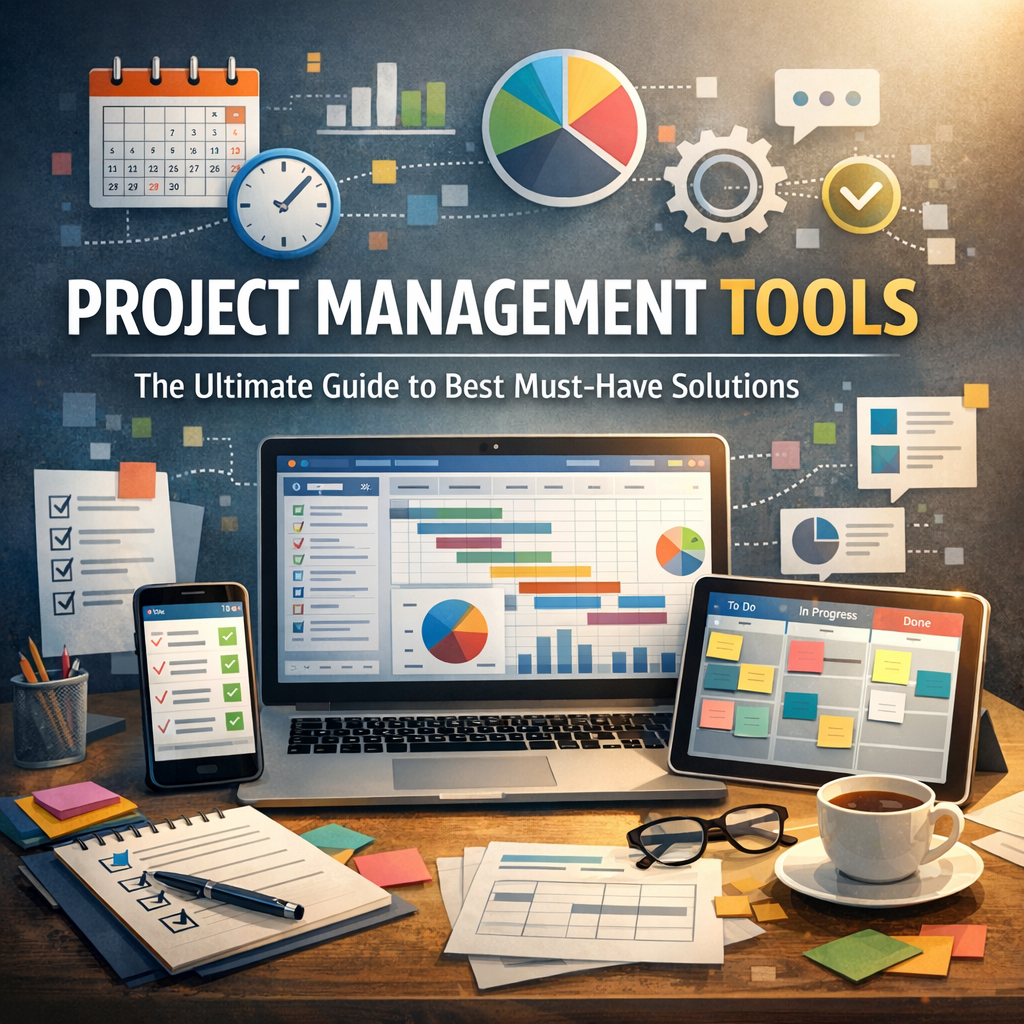
Project management tools are software applications designed to help individuals and teams plan, execute, and track project progress. These tools facilitate resource allocation, task scheduling, progress monitoring, and communication among stakeholders, helping to keep every phase of a project organized and transparent.
The modern project landscape involves cross-functional teams, remote work, and diverse stakeholders. Therefore, these tools often come equipped with features like real-time collaboration, document sharing, workload balancing, and reporting dashboards. As a result, they reduce the risk of miscommunication and missed deadlines, allowing teams to focus on delivering value.
Why You Need Project Management Tools
Before we delve into the best must-have solutions, let’s discuss why these tools are vital for any project-driven organization:
1. Improved Organization and Planning
Project management tools allow you to break down large projects into manageable tasks, assign responsibilities, and set deadlines. This segmented approach makes project planning easier and keeps everyone aligned on project goals.
2. Enhanced Collaboration
With features like shared calendars, chat functions, and file repositories, team members can work together seamlessly, even if they’re miles apart. Transparency in communication helps avoid duplication and misunderstandings.
3. Real-Time Progress Tracking
Dashboards and reporting capabilities provide instant insights into project status, bottlenecks, and team performance, enabling quicker decision-making and course corrections.
4. Resource Optimization
Effective tools help allocate resources based on task priority and availability, ensuring the best use of skills and manpower without overloading anyone.
5. Risk Management
By highlighting potential delays and budget overruns early, project management tools allow teams to respond proactively and mitigate risks.
Key Features to Look for in Project Management Tools
When selecting project management tools, consider these must-have features:
– Task Management: Ability to create, assign, and track tasks with deadlines.
– Collaboration: Options for comments, messaging, file sharing, and real-time updates.
– Time Tracking: Tools that monitor hours spent on tasks help with billing and productivity analysis.
– Gantt Charts & Kanban Boards: Visual aids for timeline management and workflow visualization.
– Integration: Compatibility with other apps like email, calendars, CRMs, and file storage.
– Reporting & Analytics: Automated generation of progress reports and KPIs.
– Mobile Access: Apps to manage projects while on the go.
Best Must-Have Project Management Tools in 2024
Here’s a curated list of top project management tools that continue to lead the market in usability, features, and scalability:
1. Trello
Ideal for teams looking for a simple, visual way to manage tasks, Trello uses a card-based Kanban board system. It’s excellent for small to medium projects and offers integrations with popular apps like Slack and Google Drive.
2. Asana
Asana strikes a balance between functionality and ease of use. It supports task dependencies, timeline views, and robust collaboration, making it perfect for growing teams managing multiple projects simultaneously.
3. Monday.com
Known for its customizable workflows and vibrant interface, Monday.com allows teams to create dashboards tailored to their projects. Its automation features help reduce repetitive work.
4. Microsoft Project
A powerhouse tool for complex project scheduling and resource management, Microsoft Project is widely used in industries requiring detailed planning and forecasting.
5. Jira
Primarily designed for software development teams, Jira excels in agile project management with sprint planning, bug tracking, and release management features.
6. ClickUp
An all-in-one platform offering task management, docs, goals, time tracking, and more. ClickUp’s flexibility suits diverse teams looking to centralize all aspects of work.
How to Choose the Right Project Management Tool
Selecting the right tool depends on your team’s size, project complexity, and specific workflow requirements. Consider performing the following steps:
– Assess Your Needs: Identify the features that matter most to your projects.
– Trial Periods: Many tools offer free trials or freemium models—use these to test usability.
– Budget Considerations: Factor in pricing tiers while balancing features.
– Scalability: Ensure the tool can grow with your team and handle increased work complexity.
– User Feedback: Engage team members to get their preferences and input.
Final Thoughts on Project Management Tools
Incorporating effective project management tools doesn’t just improve task tracking; it transforms how teams interact and achieve goals. With a vast range of options available, from minimalist boards to feature-rich software, there’s no one-size-fits-all solution. By understanding your needs and exploring these must-have tools, you can empower your team to work smarter, stay organized, and consistently deliver successful projects.
Remember, the best project management tool is one that seamlessly fits into your processes while enhancing productivity and collaboration. Start exploring today and take your project execution to the next level!