
Remote Work Tools Guide: The Ultimate Must-Have for Effortless Productivity
In today’s evolving work landscape, remote work tools have become indispensable for teams striving to maintain productivity outside traditional office spaces. Whether you’re an entrepreneur managing a distributed team or an employee working from home, leveraging the right set of tools can transform how you collaborate, communicate, and manage tasks effectively. This comprehensive guide will walk you through the essential remote work tools that simplify workflows and boost productivity with minimal stress.
Why Remote Work Tools Are Essential
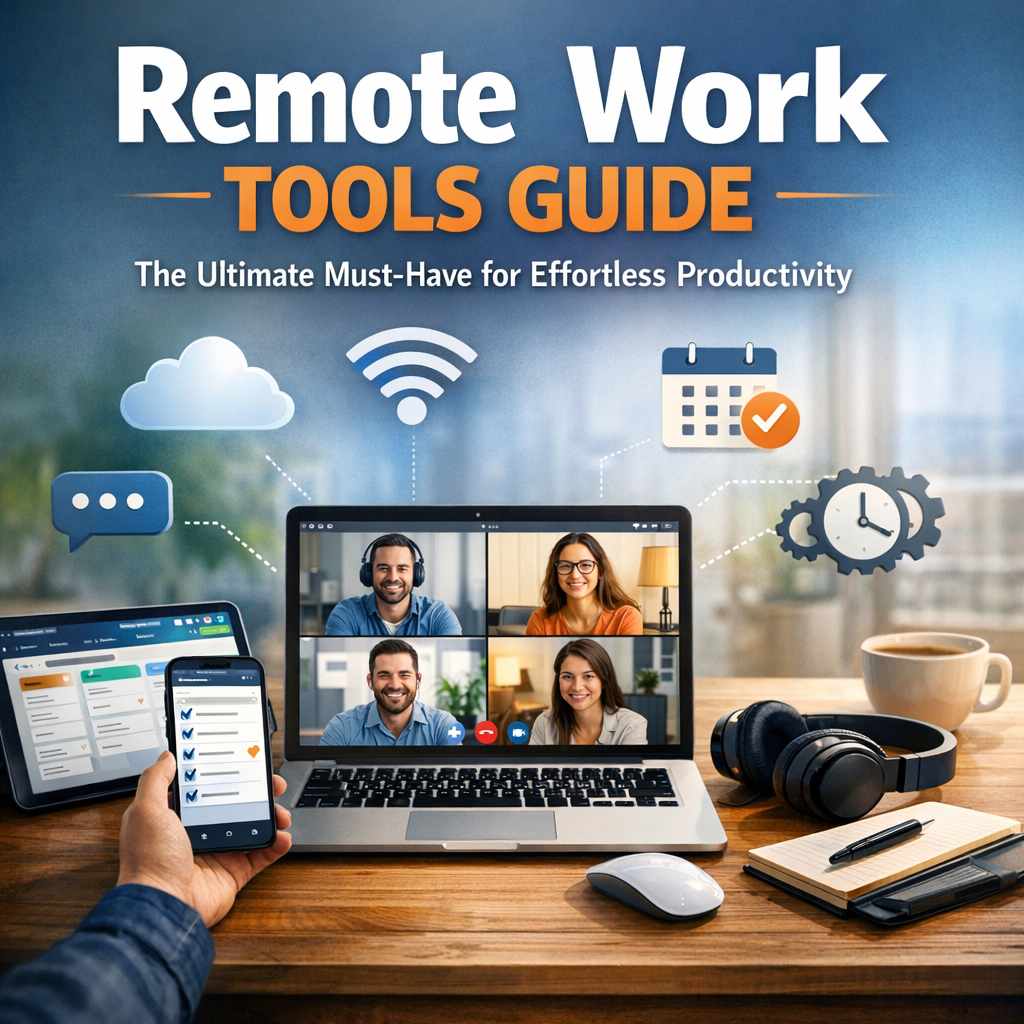
Before diving into specific tools, it’s important to understand why remote work tools matter. Remote working environments often lack the physical presence that drives spontaneous communication and timely problem-solving. Inefficient processes can cause delays, miscommunications, and productivity dips. Remote work tools help bridge these gaps by:
– Facilitating real-time communication
– Streamlining project management
– Enhancing file sharing and collaboration
– Monitoring productivity and deadlines
– Supporting cybersecurity and data protection
Having these tools in place ensures your remote workspace operates as smoothly and efficiently as an onsite office.
Communication Tools: Staying Connected Anytime, Anywhere
A major challenge in remote work is maintaining clear and consistent communication. With team members scattered across different time zones, picking the right communication tools becomes vital.
Video Conferencing Platforms
Video calls simulate face-to-face discussions, build rapport, and clarify complex ideas better than emails. Popular platforms include:
– Zoom: Reliable for everything from one-on-one check-ins to large webinars.
– Microsoft Teams: Offers seamless integration with the Office suite.
– Google Meet: Conveniently integrated with Google Workspace.
Instant Messaging Apps
Fast text-based communication helps teams stay agile:
– Slack: Channels and direct messages keep conversations organized.
– Microsoft Teams Chat: Combines messaging with collaboration features.
– Discord: A surprisingly powerful option for informal or creative teams.
Project Management Tools: Organizing Workflow and Deliverables
Effortless productivity relies on clear task assignment and tracking. Remote work tools focused on project management help eliminate confusion and keep everyone aligned.
Task and Project Trackers
– Trello: Visual boards and cards provide a simple way to track progress.
– Asana: Ideal for managing complex projects with multiple collaborators.
– Monday.com: Highly customizable and scalable for larger teams.
These tools allow teams to set priorities, deadlines, and dependencies, ensuring all tasks move forward systematically.
Collaboration and File Sharing: Working Together Seamlessly
Sharing files and collaborating on documents in real time is crucial for remote work success.
Cloud Storage Solutions
Centralized file repositories make access easy and secure:
– Google Drive: Offers strong real-time editing and sharing for Docs, Sheets, and Slides.
– Dropbox: Known for its robust syncing capabilities.
– OneDrive: Tightly integrated with Microsoft Office apps.
Collaborative Editing Tools
Working simultaneously on documents eliminates version conflicts and time wasted syncing files:
– Google Workspace: Real-time collaboration across word processing, spreadsheets, and presentations.
– Microsoft 365: Co-authoring features in Word, Excel, and PowerPoint.
Time Management and Productivity Tools
Remote work tools also address individual productivity by helping users manage their time effectively.
Time Tracking Apps
Tracking how time is spent can improve focus and accountability:
– Toggl: Simple timers and reporting.
– RescueTime: Provides insights on digital habits and distractions.
– Harvest: Combines time tracking with invoicing for freelancers.
Focus and Automation Tools
– Pomodoro Timers (e.g., Focus Booster): Encourage focused work sessions with breaks.
– Zapier: Automates repetitive tasks by connecting apps and workflows.
Security Tools: Protecting Remote Work Environments
With more data traveling over the internet, robust security measures are paramount.
– VPN Services: Encrypt internet connections to protect sensitive information.
– Password Managers (e.g., LastPass, 1Password): Encourage strong, unique passwords without hassle.
– Two-Factor Authentication: Adds an essential extra layer of security for accounts.
Best Practices for Choosing and Implementing Remote Work Tools
Selecting the right remote work tools is only half the battle; proper implementation maximizes their benefit.
– Assess Team Needs: Identify communication styles, project complexity, and security requirements.
– Integrate Where Possible: Choose tools that work well together to reduce switching.
– Provide Training: Ensure everyone knows how to use the tools effectively.
– Standardize Usage: Create guidelines to maintain consistency across the team.
– Solicit Feedback: Regularly revisit tools to adapt to changing workflows.
Conclusion
Equipping your team with the right remote work tools is the cornerstone of effortless productivity in a distributed work environment. From communication and project management to collaboration and security, these tools help replicate the efficiency of a traditional office while providing the flexibility to work from anywhere. By carefully choosing and implementing the best solutions tailored to your team’s needs, remote work doesn’t have to mean compromised productivity — it can be a catalyst for innovation and effectiveness. Embrace the remote-first world confidently by investing in the ultimate suite of remote work tools.