
Digital Task Manager Guide: The Ultimate Must-Have for Effortless Productivity
In today’s fast-paced world, staying organized and productive can often feel like an uphill battle. This is where a digital task manager comes into play. These powerful tools are revolutionizing the way individuals and teams handle their to-do lists, prioritize tasks, and meet deadlines. Whether you are a student juggling assignments or a professional managing multiple projects, mastering a digital task manager can be your key to effortless productivity.
What Is a Digital Task Manager?
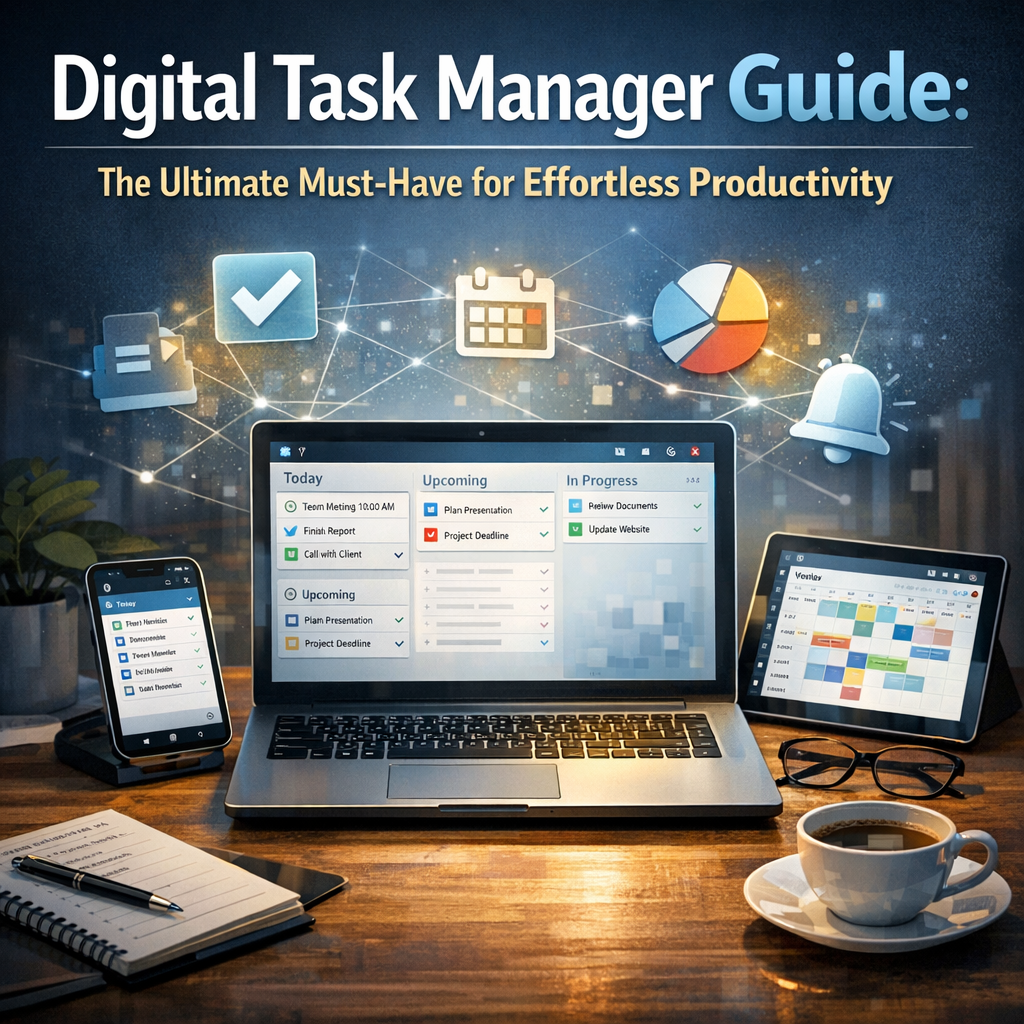
At its core, a digital task manager is an application or software designed to help users organize, track, and complete tasks electronically. Unlike traditional pen-and-paper methods, digital task managers offer dynamic features such as reminders, task prioritization, collaboration, and synchronization across devices.
Popular apps like Todoist, Asana, Trello, and Microsoft To Do have become staples for millions who want to streamline their workflow. But choosing and using the right digital task manager effectively can make all the difference in how productive and stress-free your days become.
Why Use a Digital Task Manager?
The benefits of adopting a digital task manager are numerous, making it an indispensable tool for anyone serious about enhancing productivity:
– Centralized Organization: Instead of scattered sticky notes and endless emails, a digital task manager keeps everything in one place.
– Improved Focus: Task prioritization helps you concentrate on what’s most important.
– Time Management: Deadlines and reminders ensure nothing falls through the cracks.
– Collaboration: Many digital task managers offer team features, fostering seamless communication and task delegation.
– Accessibility: Cloud synchronization means your tasks follow you everywhere, from smartphone to desktop.
By integrating a digital task manager into your routine, you reduce mental clutter and create a clearer path to accomplishing your goals.
Key Features to Look for in a Digital Task Manager
Not all digital task managers are created equal, so knowing what to prioritize when choosing one is crucial.
1. User-Friendly Interface
An intuitive and clean interface saves you time and reduces frustration. Look for platforms that are easy to navigate and don’t require a steep learning curve.
2. Task Prioritization and Categorization
Features such as tags, labels, or color codes help organize and prioritize tasks based on urgency or project type.
3. Notifications and Reminders
Automated alerts prevent important deadlines from being missed.
4. Collaboration Tools
If you work in a team, look for comment sections, shared task boards, and real-time updates.
5. Cross-Platform Compatibility
Ensure your task manager works smoothly across all your devices, whether it’s on Windows, macOS, iOS, or Android.
How to Maximize Your Productivity Using a Digital Task Manager
Simply having a digital task manager won’t magically boost your productivity. Here are practical tips on how to harness its full potential:
Set Clear, Achievable Goals
Break down larger projects into smaller, actionable steps. Input these tasks into your manager with realistic deadlines to avoid overwhelming yourself.
Prioritize SMART Tasks
Make use of priority settings. Focus on tasks that are Specific, Measurable, Achievable, Relevant, and Time-bound to optimize your day.
Review and Update Regularly
At the start or end of your day, review your tasks. Mark completed ones, reschedule pending tasks, and adjust priorities as needed.
Use Templates for Repetitive Tasks
Many digital task managers allow you to create templates. This saves time when dealing with recurring projects or weekly to-dos.
Integrate with Other Tools
Take advantage of integrations with calendar apps, email, or communication platforms to streamline workflows and avoid duplication.
Common Challenges and How to Overcome Them
Some users initially struggle with maintaining consistency in task management. To avoid this:
– Set daily reminders within the app to review and update your list.
– Avoid overloading your task manager to prevent burnout—sometimes less is more.
– Experiment with different digital task managers until you find one that fits your lifestyle and preferences.
Conclusion
A digital task manager is more than just a digital to-do list; it’s an essential companion for anyone looking to bring structure, clarity, and efficiency to their daily routines. By choosing the right tool and adopting best practices, you can transform seemingly overwhelming workloads into manageable, stress-free tasks. Whether you aim to boost personal productivity or enhance team collaboration, this ultimate guide underscores why a digital task manager is the ultimate must-have for effortless productivity in our digital age.
Embrace the power of technology to take control of your tasks and experience the satisfaction of getting things done—smarter, faster, and with less hassle.