
Workflow Automation Tools: The Ultimate Guide to Best Solutions
In today’s fast-paced business environment, workflow automation tools have become essential for organizations striving to enhance efficiency, reduce errors, and save valuable time. These tools help streamline repetitive tasks and coordinate complex processes, allowing teams to focus on higher-value activities. Whether you’re a small startup or a large enterprise, integrating the right workflow automation solutions can transform how your work gets done.
What Are Workflow Automation Tools?
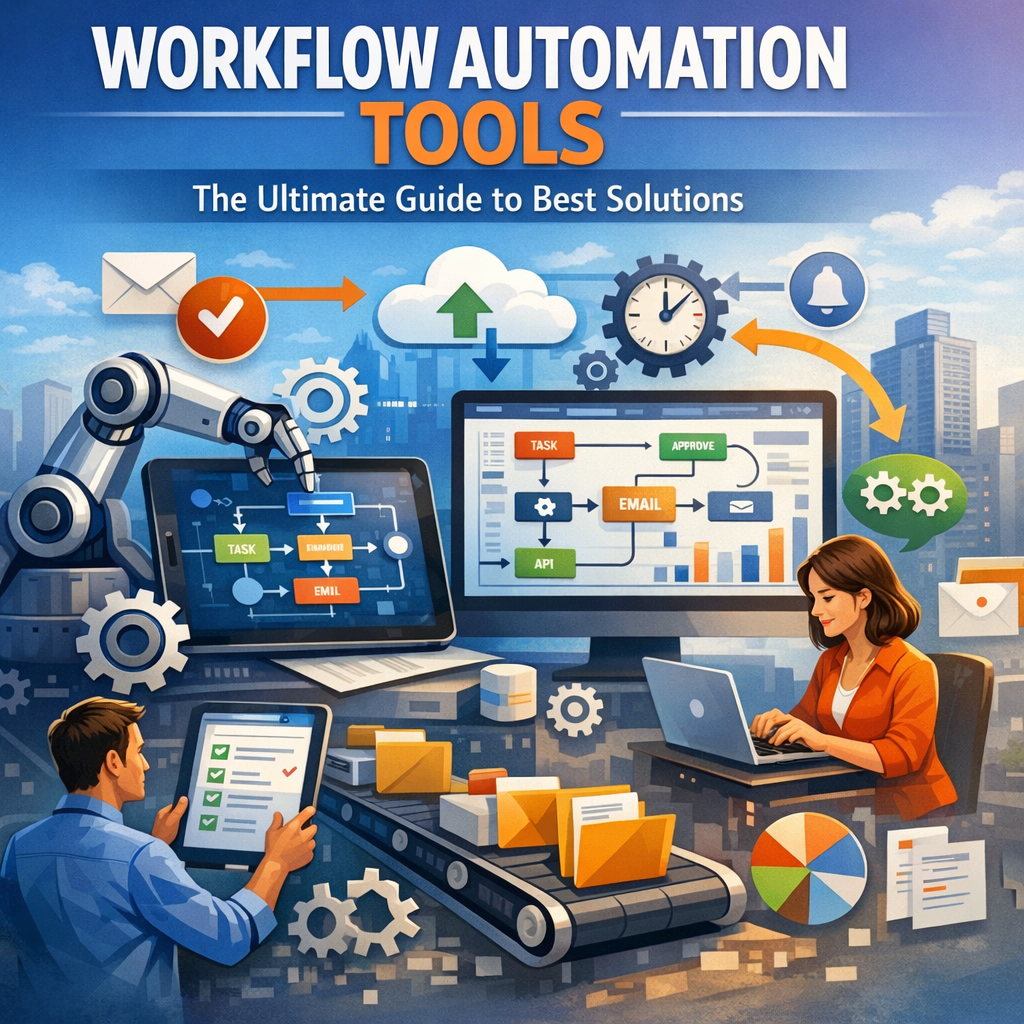
Workflow automation tools are software platforms designed to automate routine business tasks by creating predefined sequences of actions, often called workflows. These tasks may include data entry, approval processes, notifications, updates across multiple systems, and much more. By connecting disparate applications and systems, workflow automation tools help reduce manual intervention, eliminate bottlenecks, and ensure consistent execution of processes.
Why Your Business Needs Workflow Automation Tools
Businesses are facing increasing pressure to do more with less while maintaining high-quality output. Here’s why implementing workflow automation is crucial:
– Increased Productivity: Automation eliminates time-consuming manual steps, freeing employees to concentrate on strategic initiatives.
– Improved Accuracy: Automated workflows reduce human error by following predefined rules and validations.
– Cost Savings: By minimizing repetitive tasks and streamlining processes, organizations can cut operational costs.
– Better Compliance: Automated tracking and documentation ensure adherence to internal policies and regulatory requirements.
– Enhanced Collaboration: Workflow tools often integrate communication features, keeping teams aligned and informed.
Key Features to Look for in Workflow Automation Tools
Choosing the right solution depends on your business needs. Here are important features to consider:
– Drag-and-Drop Workflow Builder: Simplifies creating and modifying automated workflows without coding skills.
– Integration Capabilities: Connects with existing applications like CRM, ERP, email, and collaboration platforms.
– Conditional Logic and Rules Engine: Allows workflows to adapt based on different scenarios or inputs.
– Real-Time Monitoring: Provides visibility into workflow performance and bottlenecks.
– User Permissions and Security: Ensures sensitive data is protected, and access is controlled.
– Mobile Access: Enables users to manage workflows on the go.
Top Workflow Automation Tools on the Market
Here’s an overview of some of the leading workflow automation tools, each offering unique strengths:
1. Zapier
Zapier is one of the most popular tools for automating simple to moderately complex workflows by connecting over 3,000 apps. Its user-friendly interface suits small teams looking to automate repetitive tasks like syncing data, sending notifications, and managing social media posts.
2. Microsoft Power Automate
Microsoft Power Automate (formerly Flow) allows seamless automation across Microsoft 365 apps and hundreds of third-party services. It’s ideal for businesses already embedded in the Microsoft ecosystem and offers advanced AI capabilities for process automation.
3. Monday.com
Monday.com combines workflow automation with robust project management features. Its visual interface helps teams build workflows that automate task assignments, status updates, and reminders, improving project efficiency.
4. Nintex
Nintex is designed for organizations requiring complex process automation and extensive customization. It supports document generation, approval workflows, and integrates with SharePoint and other enterprise software.
5. Workato
Workato is an enterprise-grade automation platform supporting complex workflows with built-in AI and real-time data syncing. It excels at integrating cloud and on-premise applications for digital transformation initiatives.
How to Successfully Implement Workflow Automation Tools
To maximize the benefits of workflow automation tools, follow these best practices:
– Identify High-Impact Processes: Start with tasks that are repetitive, error-prone, and time-consuming.
– Map Existing Workflows: Gain a clear understanding of how current processes work before automating.
– Involve Stakeholders: Include team members who perform the tasks and IT for technical insights.
– Test and Iterate: Pilot your automated workflows to catch issues early and refine them.
– Train Your Team: Ensure users understand how to execute and monitor automated workflows.
– Measure Performance: Track KPIs like time saved, error reduction, and user satisfaction.
Conclusion
Embracing workflow automation tools is no longer optional but a necessity for businesses aiming to remain competitive and agile. By carefully selecting the right tools and strategically implementing automation, organizations can enhance productivity, reduce costs, and improve process consistency. Whether you choose a simple app like Zapier or a comprehensive platform like Nintex, the ultimate goal remains the same — enabling smarter, faster, and more efficient workflows across your enterprise. Start exploring workflow automation today and unlock the true potential of your business operations.