
Remote Work Tools: The Ultimate Guide to Affordable Must-Have Solutions
Remote work tools have become essential for professionals and businesses aiming to maintain productivity and collaboration outside traditional office settings. As the landscape of work evolves, having the right tools in place is critical—not just for convenience but to promote efficiency, communication, and employee well-being. This guide will walk you through affordable, must-have remote work tools that make working from anywhere not only possible but highly effective.
Why Investing in Remote Work Tools Matters
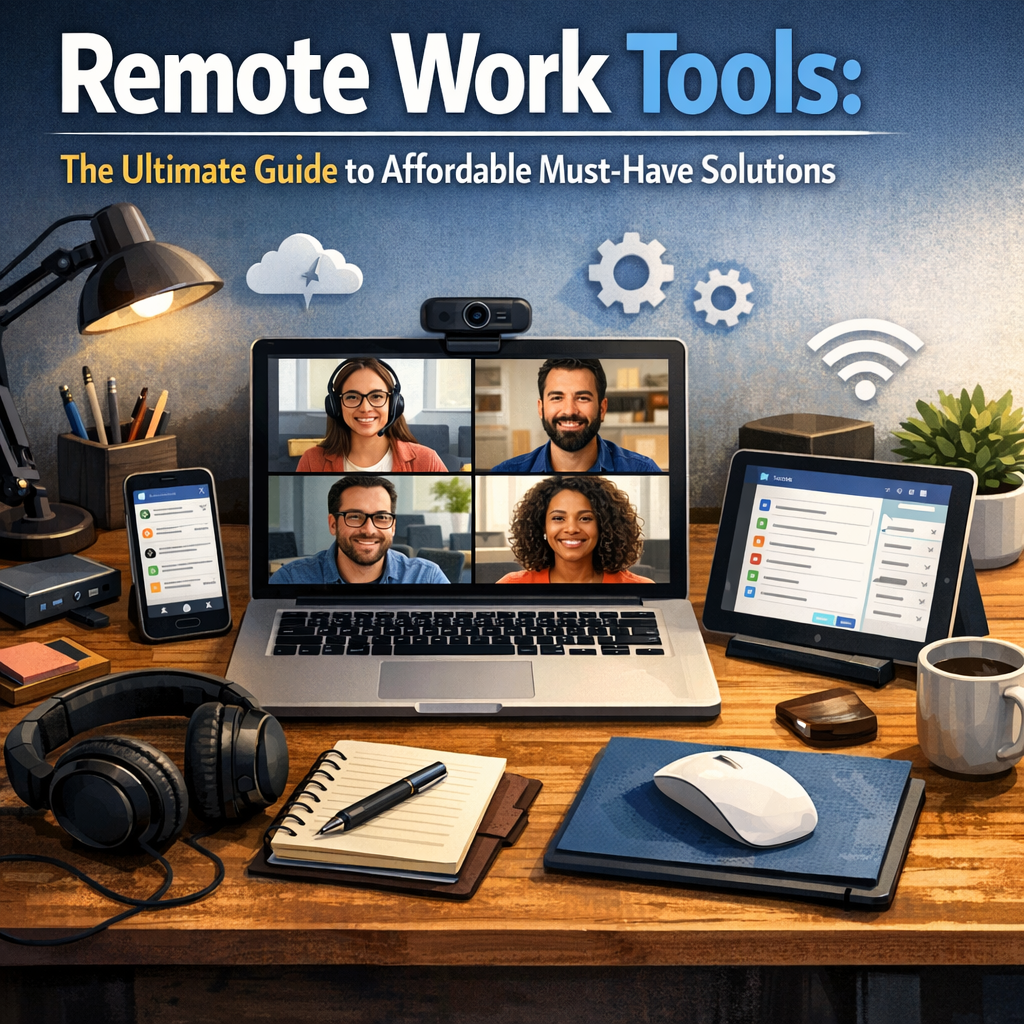
The surge in remote and hybrid work models has made businesses rethink how their teams operate. Without the right technology, employees can feel disconnected, overwhelmed by cluttered communication channels, or hindered by inefficient processes. Remote work tools address these challenges by offering streamlined ways to communicate, collaborate, manage time, and secure data.
Moreover, affordable solutions mean companies of any size can implement robust remote setups without breaking the bank. The right tools boost morale, reduce downtime, and often pay for themselves through increased productivity.
Essential Remote Work Tools for Communication
Clear and consistent communication is the backbone of remote work success. Without face-to-face interaction, teams need reliable platforms to stay connected.
Video Conferencing
Video meetings bring teams together beyond emails and instant messages. Tools like Zoom, Google Meet, and Microsoft Teams offer free or low-cost plans that include HD video calls, screen sharing, and recording features. These features are invaluable for team check-ins, client presentations, and brainstorming sessions.
Instant Messaging
For quick check-ins and informal chats, instant messaging apps avoid clogging up inboxes. Slack and Microsoft Teams provide channels, direct messaging, and integrations with other apps, keeping conversations organized and accessible.
Remote Work Tools for Project Management and Collaboration
Keeping track of tasks and deadlines remotely requires transparent, user-friendly platforms.
Task and Project Management
Affordable tools like Trello and Asana help teams visualize workflows with Kanban boards, calendars, and task lists. These platforms encourage accountability and make it easy to prioritize and delegate work, essential for balancing multiple time zones and schedules.
Document Collaboration
No more emailing multiple versions of the same document. Tools like Google Workspace and Microsoft 365 enable real-time collaboration on documents, spreadsheets, and presentations. Team members can edit simultaneously, leave comments, and see version histories.
Time Management and Productivity Tools
Working remotely can blur the lines between work and personal time, making time management crucial.
Time Tracking Software
Apps such as Toggl and Clockify provide free plans that help both employees and managers track hours worked on specific projects. This improves transparency and helps identify productivity trends.
Focus and Distraction Reduction
For maintaining focus, tools like Forest and Focus@Will gamify concentration by encouraging timed work sessions and reducing distractions, which is especially beneficial in home environments filled with potential interruptions.
Security and VPN Tools for Remote Work
Security can’t be overlooked when working outside secure office networks.
VPNs
Affordable VPN services like NordVPN and ExpressVPN encrypt internet activity, protecting sensitive company data from cyber threats. It’s a critical investment for businesses handling confidential information or using public Wi-Fi networks.
Password Managers
Remote teams often juggle multiple accounts. Tools like LastPass and Bitwarden provide secure password storage and sharing capabilities, reducing the risk of breaches caused by weak or reused passwords.
Budget-Friendly Hardware to Complement Remote Software
Investing in ergonomic and reliable hardware can significantly impact remote work comfort and efficiency.
– Headsets with Noise Cancellation: For clearer communication during calls, brands like Jabra and Anker offer budget-friendly options.
– External Webcams: Devices like the Logitech C920 enhance video quality beyond built-in laptop cameras.
– Portable Monitors: Affordable secondary screens from brands like AOC improve multitasking without large investments.
Tips for Selecting the Right Remote Work Tools
With so many options available, choosing the best fit requires some strategy:
– Assess Your Team’s Needs: Understand workflows, preferred communication styles, and pain points.
– Start Small and Scale: Begin with free versions or trials to evaluate tools before committing financially.
– Integrate Tools: Opt for solutions that work well together, reducing friction and complexity.
– Train Your Team: Ensure everyone knows how to use the tools efficiently to maximize benefits.
– Regularly Review and Update: Periodically assess the tech stack to remove redundancies and adopt new, cost-effective solutions.
Conclusion
Affordable remote work tools are no longer optional but foundational to enduring and thriving in an increasingly distributed work environment. By embracing a smart combination of communication platforms, project management apps, time tracking, and security solutions, teams can stay productive, connected, and secure from any location. Whether you’re a freelancer, startup, or established business, investing time in finding the right remote work tools pays dividends in stability and success in today’s flexible world.