
Remote Team Management Tools: The Ultimate Guide to Best Solutions
In today’s increasingly digital and distributed work environment, remote team management tools have become indispensable for organizations aiming to maintain productivity, collaboration, and connectivity across geographically dispersed teams. As businesses continue to embrace remote and hybrid work models, selecting the right set of tools to facilitate communication, project tracking, and employee engagement is crucial for success.
This comprehensive guide will explore the top remote team management tools, their features, and how to leverage them effectively to build a cohesive and high-performing remote workforce.
Why Remote Team Management Tools Are Essential
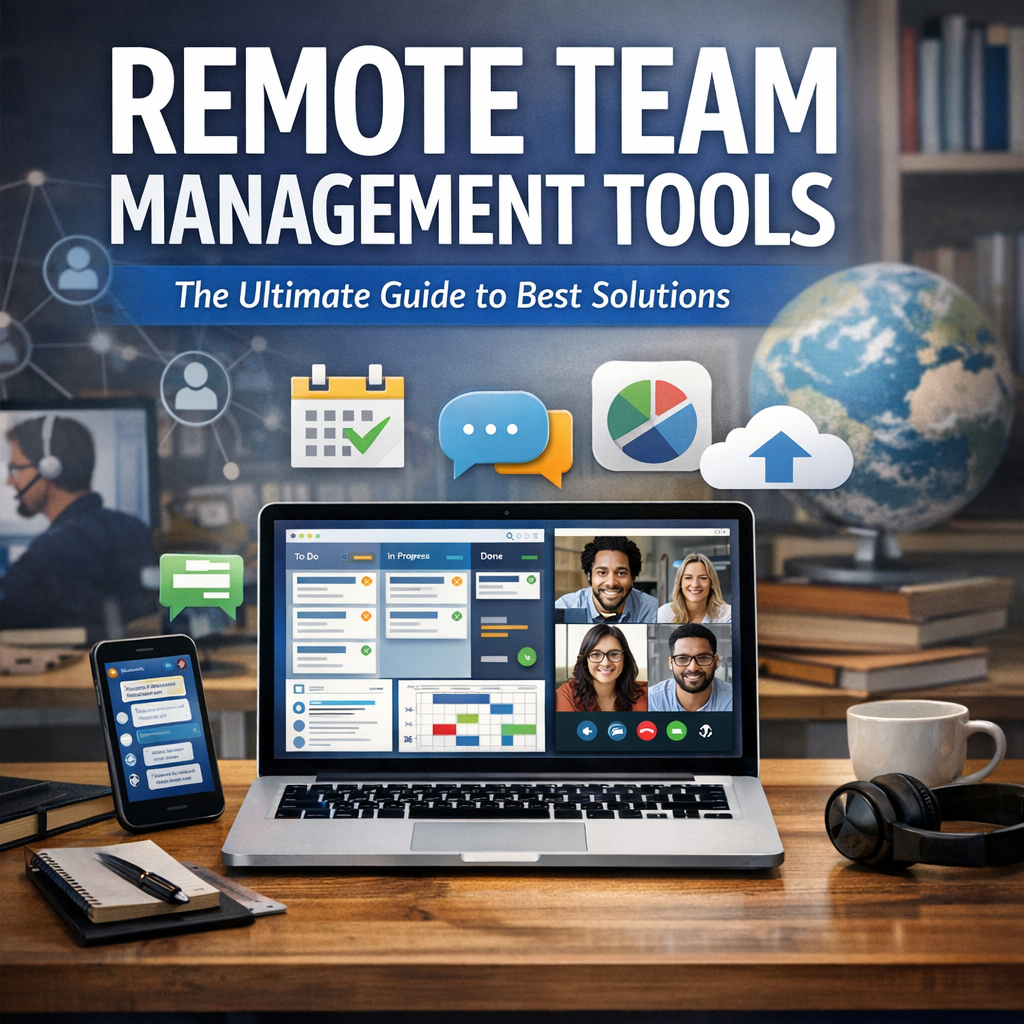
Managing a remote team comes with unique challenges—lack of face-to-face interactions, time zone differences, potential communication gaps, and the difficulty of tracking progress without micromanagement. Remote team management tools help bridge these gaps by providing digital platforms capable of streamlining workflows, enhancing transparency, and fostering a sense of community.
Without these tools, teams risk falling into pockets of inefficiency, missed deadlines, and decreased motivation. On the other hand, the right technology can empower managers to lead with clarity and employees to engage meaningfully, regardless of physical location.
Key Features to Look for in Remote Team Management Tools
Before diving into specific solutions, it’s important to understand the core capabilities that effective remote team management tools should offer:
– Communication: Real-time messaging, video calls, and discussion threads to support seamless interaction.
– Project Management: Task assignments, progress dashboards, timelines, and dependencies to keep everyone on track.
– File Sharing: Centralized repositories for documents, spreadsheets, and media, ensuring easy access.
– Time Tracking: Tools to monitor hours worked, optimize productivity, and manage billing.
– Collaboration: Shared workspaces for brainstorming, co-editing, and feedback.
– Integration: Compatibility with other essential apps like calendars, email, and CRM systems.
– Security: Robust data protection and user access controls to safeguard sensitive information.
With these features in mind, let’s explore some of the best remote team management tools currently available.
Top Remote Team Management Tools in 2024
1. Asana
Asana stands out as a versatile project management software designed to simplify team workflows. It offers task boards, timelines, and customizable templates that fit various industries and team structures. Its intuitive interface encourages accountability and transparency, enabling remote teams to visualize progress and meet deadlines effectively. Integration with Slack, Google Drive, and Zoom makes it a hub for remote collaboration.
2. Trello
Known for its simplicity and visual appeal, Trello utilizes Kanban boards that organize projects into cards and lists. It’s especially popular with smaller teams or those new to remote work tools. Trello supports automation via Butler, allowing routine tasks to be streamlined. With easy drag-and-drop functionality, teams can quickly update their status and share comments without feeling overwhelmed.
3. Slack
Slack is the communication backbone for many remote teams worldwide. It offers channels for topic-specific conversations, direct messaging, and voice and video calls. Its extensive app ecosystem allows you to integrate task management and file-sharing platforms, turning it into a consolidated workspace. Slack’s searchable history ensures no message is lost in the shuffle.
4. Microsoft Teams
Part of the Microsoft 365 suite, Teams combines persistent chat, meetings, and file collaboration in one package. Especially beneficial for companies already invested in Microsoft’s ecosystem, it integrates seamlessly with Word, Excel, PowerPoint, and OneDrive. Teams supports both scheduled and spontaneous video calls, enhancing face-to-face connections in a virtual environment.
5. Monday.com
Monday.com offers an adaptable platform where teams can build workflows tailored to their projects. Beyond task management, it includes features such as time tracking, automation, and detailed reporting. The visual dashboards and color-coded statuses provide clarity, making it easier for managers to oversee multiple projects across their remote workforce.
6. Zoom
While primarily a video conferencing tool, Zoom plays a critical role in remote team management by facilitating regular face-to-face meetings, webinars, and virtual events. Its screen-sharing and breakout room options promote interactive discussions and team bonding, which are vital for remote employee engagement.
Best Practices for Using Remote Team Management Tools
Merely adopting the right remote team management tools is not enough. To maximize their benefits, consider these strategies:
– Standardize Tool Usage: Select a core suite of tools and train your team on best practices to avoid tool fatigue and confusion.
– Encourage Regular Check-ins: Use video calls and chat threads to maintain personal connections and prevent feelings of isolation.
– Leverage Automations: Automate repetitive tasks like reminders and status updates to reduce manual workload.
– Promote Transparency: Make project statuses, deadlines, and responsibilities visible to all team members.
– Solicit Feedback: Continuously evaluate the effectiveness of your tools and be open to adopting new solutions based on team input.
Conclusion
Choosing and effectively utilizing the right remote team management tools is a game-changer for businesses navigating remote work challenges. By centralizing communication, streamlining projects, and fostering collaboration through digital platforms, teams can remain productive and aligned no matter where they are located.
The tools outlined in this guide offer a solid starting point; however, the ideal combination depends on your team’s size, industry, and specific needs. Prioritize ease of use, integration capacity, and scalability to find solutions that will grow with your business and keep your remote workforce empowered well into the future.