
Workflow Management Software: Your Ultimate Guide to the Best Tools
In today’s fast-paced business environment, workflow management software has become essential for organizations aiming to optimize processes, improve collaboration, and boost productivity. Whether you work in project management, operations, or any field requiring coordinated efforts, these digital tools streamline complex workflows by automating tasks, tracking progress, and facilitating communication. This guide explores what workflow management software is, why it matters, and highlights some of the best options available to help your team work smarter.
What is Workflow Management Software?
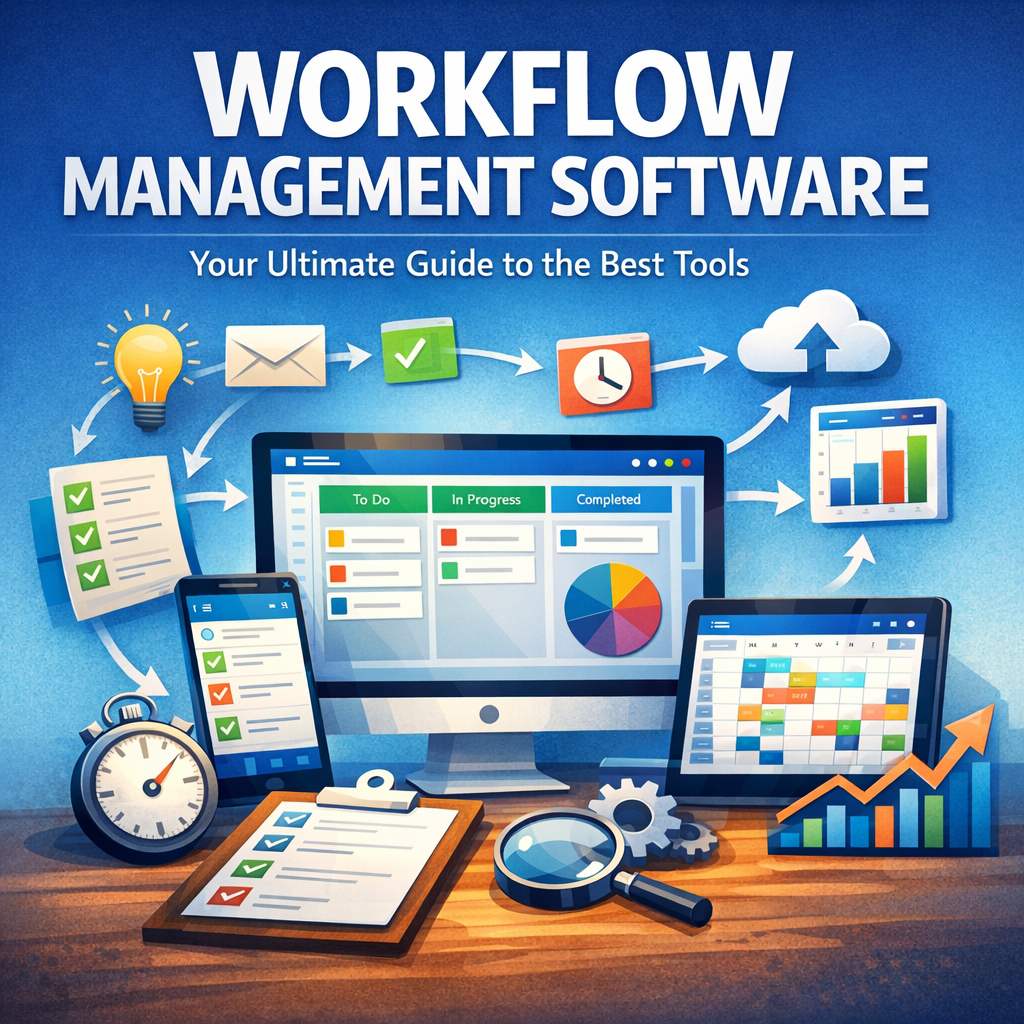
Workflow management software refers to a class of applications designed to help businesses create, execute, and monitor workflows — sequences of repeatable tasks or processes. These platforms empower teams by automating routine jobs, reducing human errors, and providing real-time insights on task progress and bottlenecks. Instead of managing tasks through scattered emails or spreadsheets, workflow tools centralize data, assign responsibilities, and ensure deadlines are met effectively.
Typically, workflow management systems support features such as drag-and-drop workflow builders, task dependencies, conditional logic, and integrations with other productivity apps (e.g., email, calendar, CRM). This combination facilitates smoother operations across departments such as marketing, HR, finance, and IT.
Why Use Workflow Management Software?
Implementing workflow management software can fundamentally transform how organizations operate. Here are key reasons why it has become indispensable:
1. Increased Efficiency
By automating repetitive tasks—like sending notification emails or updating statuses—the software saves valuable time. This allows employees to focus on higher-value activities, increasing overall output.
2. Enhanced Transparency and Accountability
Workflow software provides visibility into each stage of a process. Managers can monitor task assignments, progress, and roadblocks, while team members understand their responsibilities clearly. This reduces miscommunication and holds people accountable.
3. Improved Collaboration
Many workflow systems include communication tools such as comment threads or @mentions directly in the task interface, promoting real-time collaboration without switching between apps.
4. Scalability and Standardization
As businesses grow, maintaining consistency in processes becomes challenging. Workflow management tools standardize procedures to ensure quality and compliance at scale.
5. Data-Driven Decision Making
Reports and analytics offered by these platforms highlight performance trends, resource utilization, and potential inefficiencies, enabling managers to make informed adjustments.
Top Features to Look for in Workflow Management Software
Before choosing a tool, it’s crucial to identify which features align with your team’s needs:
– Custom Workflow Creation: Ability to design bespoke workflows adapting to unique business processes.
– Automation Capabilities: Triggers and actions that reduce manual labor.
– Integration with Other Tools: For seamless data flow and avoiding software silos.
– Mobile Access: Ensures teams can stay connected and productive on-the-go.
– User-Friendly Interface: Minimizes the learning curve for quick adoption.
– Reporting and Analytics: Track progress, identify bottlenecks, and measure KPIs.
– Security and Compliance: Protect sensitive data and meet regulatory requirements.
Best Workflow Management Software Tools in 2024
With numerous options available, here’s a rundown of some of the top workflow management software platforms that stand out for their capabilities and user satisfaction.
1. Monday.com
Monday.com offers a highly visual and customizable workflow builder that suits teams of all sizes. Its drag-and-drop interface combined with automation recipes supports a wide range of industries from marketing to software development. The platform integrates with tools like Slack, Google Workspace, and Salesforce, enhancing communication and data synchronization.
2. Asana
Known for its intuitive task and project management features, Asana facilitates clear handoffs and deadline tracking. It enables teams to map workflows via timelines, boards, or lists, and automates routine notifications. Asana’s focus on collaboration makes it ideal for creative and operational teams.
3. Trello
Trello’s card-based Kanban system provides a simple, visual method for managing workflows. While lightweight, its power-ups and automation via Butler allow customization that grows with your workflow complexity. It’s a popular choice for startups and small teams.
4. Kissflow
Kissflow is a robust workflow automation tool focused on no-code solutions. It empowers users to build sophisticated automated workflows without technical expertise, making it perfect for HR, finance, and operational processes. It offers comprehensive reporting and multi-platform support.
5. Wrike
Wrike excels in enterprise environments, offering advanced features like time tracking, resource management, and proofing tools. It caters well to marketing, creative agencies, and IT teams looking for scalable workflow solutions with strong collaboration features.
Implementing Workflow Management Software Successfully
To get the most from your workflow management software investment:
– Assess Your Current Processes: Map out existing workflows and identify pain points before selecting a tool.
– Involve Stakeholders Early: Engage team members from different departments to understand diverse needs.
– Start Small: Pilot the software with one team or process and gather feedback.
– Train Your Team: Ensure everyone understands how to use the system effectively.
– Monitor and Optimize: Regularly analyze workflow performance and refine based on insights.
Conclusion
In a competitive business landscape, adopting the right workflow management software can set your organization apart by enhancing operational efficiency and collaboration. Choosing a tool tailored to your processes enables automation, minimizes errors, and improves transparency, driving overall team performance. With solutions like Monday.com, Asana, Trello, Kissflow, and Wrike leading the way, there has never been a better time to upgrade your work management strategy. Start planning your workflow automation journey today and unlock the full potential of your team.