
Note Taking Apps: Ultimate Guide to the Best Must-Have Tools
In today’s fast-paced digital world, note taking apps have become essential tools for students, professionals, and creatives alike. Whether you’re jotting down quick ideas, organizing meeting minutes, or managing complex projects, these apps help streamline your workflow and keep your thoughts organized. With so many options available, choosing the right note taking app can be overwhelming. This ultimate guide will walk you through the best must-have tools to enhance your productivity and ensure you never miss a vital piece of information again.
Why You Need Note Taking Apps
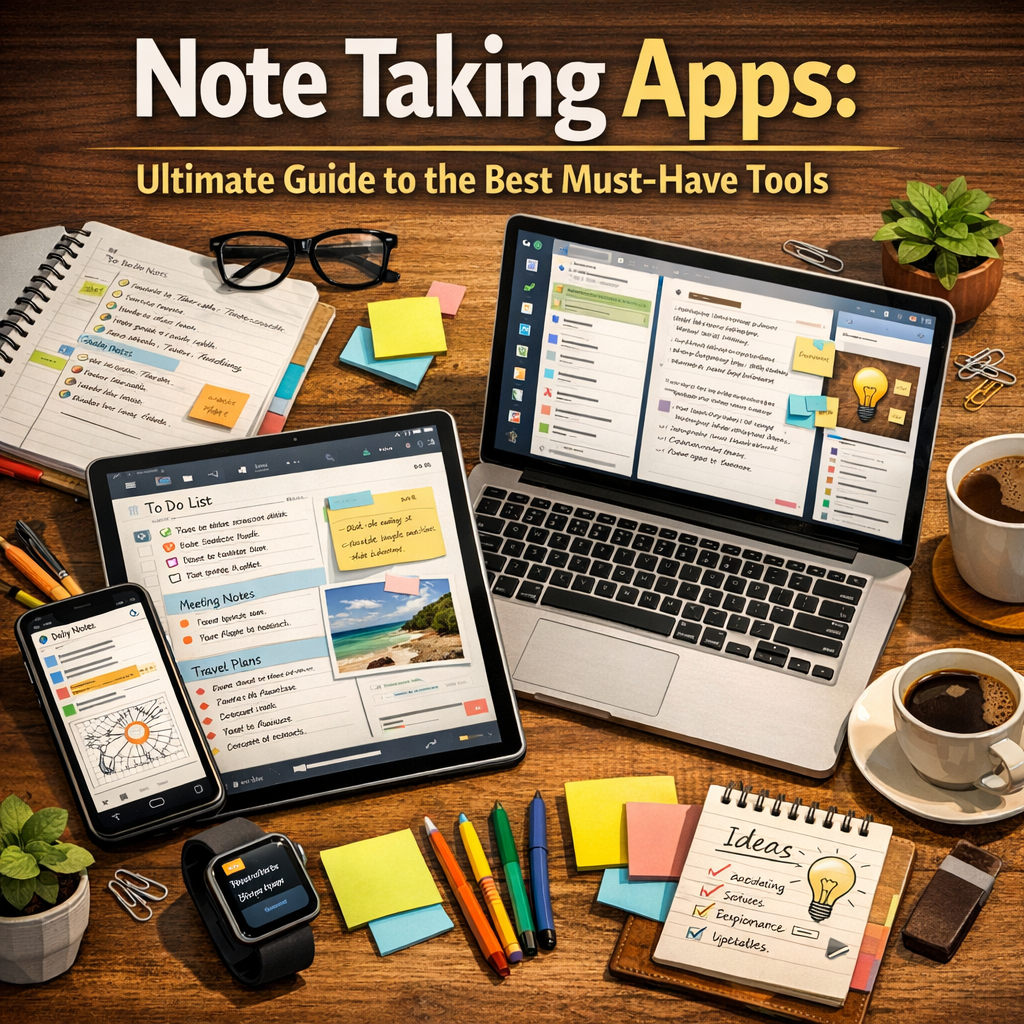
Gone are the days when physical notebooks were the only option for capturing ideas. Modern note taking apps offer a range of features that paper simply can’t match:
– Accessibility: Sync your notes across multiple devices so you always have them at hand.
– Searchability: Quickly find specific notes with keyword searches, saving time and frustration.
– Organization: Use tags, folders, and notebooks to keep your information neat and structured.
– Multimedia Support: Insert images, audio recordings, web links, and even handwritten notes.
– Collaboration: Share notes with colleagues or classmates and work together in real time.
With these capabilities, note taking apps become more than just digital notebooks; they become powerful productivity hubs.
Key Features to Look for in Note Taking Apps
Before diving into the list of the best note taking apps, it’s important to know what features you should consider based on your needs:
– User Interface: A clean, intuitive design enhances your note-taking experience.
– Cross-Platform Compatibility: Support for Windows, Mac, iOS, and Android ensures flexibility.
– Offline Access: Ability to view and edit notes without an internet connection is a major plus.
– Synchronization: Reliable syncing across devices prevents loss of data.
– Formatting Options: Rich text formatting, checklists, tables, and bullet points make notes clear and organized.
– Security: Look for apps with password protection and encryption to keep sensitive information safe.
– Collaboration Tools: For team projects, real-time editing and commenting are invaluable.
Top Note Taking Apps: A Breakdown of the Best Must-Have Tools
Evernote: The Versatile Classic
Evernote is a pioneer in the note taking apps market and remains a favorite for many users. It combines robust organization tools with multimedia support, allowing you to create detailed notes with images, attachments, voice memos, and sketches. Its powerful search function can even locate text in images, which is perfect for scanning handwritten notes. Evernote offers a free tier with basic features and premium plans for advanced functionalities like offline access and increased storage.
Microsoft OneNote: The Digital Notebook
If you’re embedded in the Microsoft ecosystem, OneNote is an indispensable tool. It mimics a physical notebook with the flexibility of digital features. You can organize notes into sections and pages, use a stylus to handwrite or draw, and integrate with other Microsoft Office apps like Word and Outlook. OneNote is completely free and offers seamless syncing across devices, making it a solid option for both casual note takers and professionals.
Notion: Beyond Note Taking
Notion is more than just a note taking app; it’s a comprehensive workspace where you can create documents, databases, task boards, and wikis. This makes it ideal for users looking to combine note taking with project management. Notion’s flexible blocks system allows you to customize your pages with text, images, code snippets, embeds, and more. While it has a steeper learning curve, many find it invaluable for organizing both personal and team information.
Google Keep: Simple and Effective
Sometimes, simplicity is key. Google Keep is a lightweight, easy-to-use note taking app designed for quick capture of thoughts and to-dos. Its sticky note-style interface supports color coding and reminders, enhancing organization and time management. Google Keep syncs effortlessly with your Google account, allowing integration with Google Docs and Calendar for a streamlined workflow.
Bear: Elegant and Focused
If you prefer a focused writing environment with beautiful typography, Bear is worth considering. Available exclusively for Apple devices, Bear offers a minimalist design with powerful markdown support, making it popular among writers and bloggers. It also features tagging and cross-note linking, turning your notes into an interconnected knowledge base. Bear offers a free version with basic functionalities and a subscription for enhanced features and encryption.
How to Choose the Right Note Taking App for You
Selecting the perfect note taking app depends largely on how you intend to use it:
– For students: Look for apps with powerful search and multimedia capabilities, such as Evernote or OneNote.
– For creative professionals: Notion or Bear might appeal for their customization and focus on writing.
– For quick capture: Google Keep’s simplicity and reminders are great for everyday tasks.
– For business teams: Notion and OneNote offer excellent collaboration features.
Try out a few apps to see which one matches your workflow. Most offer free plans or trial periods, so you can experiment without commitment.
Tips for Maximizing Your Note Taking App Experience
To get the most out of your chosen app, consider these strategies:
– Establish a consistent organization system using folders, tags, or notebooks to keep notes easy to find.
– Use templates for common note types like meeting minutes, project plans, or study notes.
– Regularly review and clean up your notes to keep the app clutter-free.
– Leverage shortcuts and integrations with other tools for greater efficiency.
– Backup your notes to avoid accidental loss.
Conclusion
Note taking apps are indispensable for anyone looking to improve their productivity and keep their ideas organized. Whether you need a versatile all-rounder like Evernote, a powerful workspace like Notion, or a simple tool like Google Keep, there’s an app suited to your style. By understanding the features that matter most and exploring the top options, you can turn note taking into a seamless, enjoyable part of your daily routine. Start experimenting today and transform the way you capture and manage your information.